
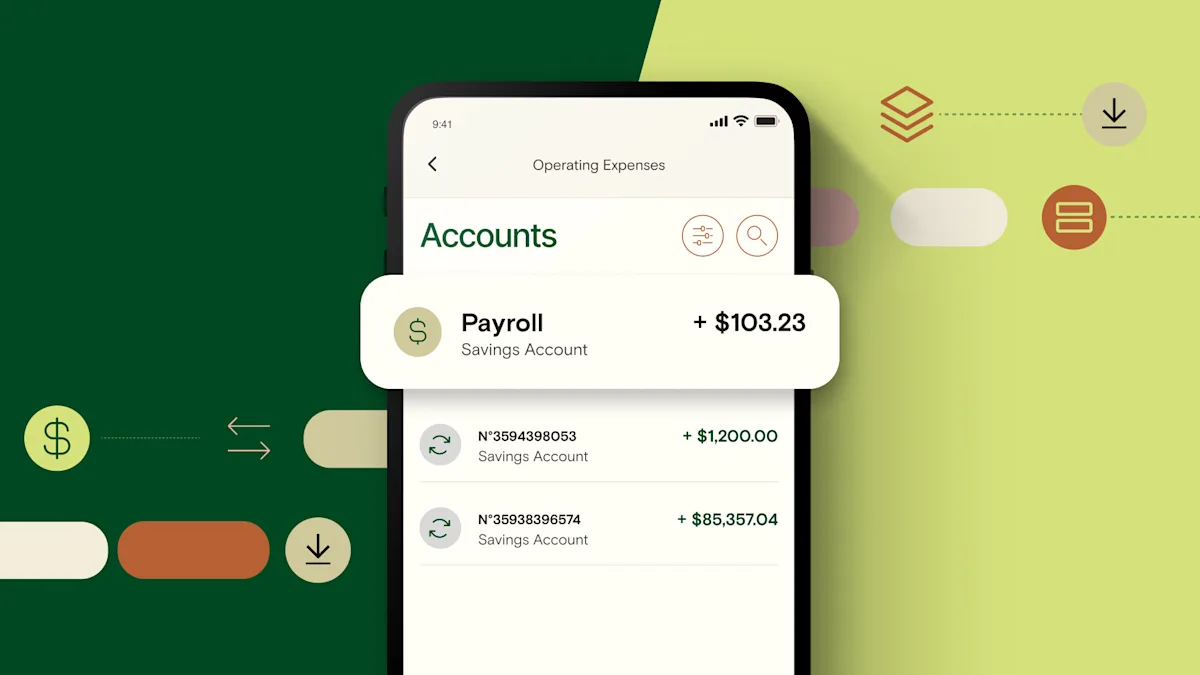
A payroll bank account is a business checking account used only to pay employees, contractors, and freelancers. It gives you clear visibility into labor costs, simplifies tax planning, and makes it easier to manage cash flow. Here's how to set one up and why it matters.
What is a payroll bank account?
A payroll bank account is a business checking account used only to pay employees, contractors, and freelancers. You fund it before each pay cycle, and your payroll software pulls from it to process direct deposits or issue checks. Nothing else touches this account—no vendor payments, no operating expenses, no deposits from customers.
This separation gives you instant visibility into labor costs. You can see at a glance whether you have enough cash to cover the next payroll cycle without digging through unrelated transactions. For businesses running lean or managing seasonal cash flow swings, that clarity makes all the difference.
Relay lets you open up to 20 business checking accounts1—each with its own account number and routing number—so you can separate payroll from taxes, operating expenses, and savings from day one.
1 Relay is a financial technology company and is not an FDIC-insured bank. Banking services provided by Thread Bank, Member FDIC. FDIC deposit insurance covers the failure of an insured bank. Certain conditions must be satisfied for pass-through deposit insurance coverage to apply.
Why should I open a payroll bank account?
A dedicated payroll account improves cash flow visibility, simplifies budgeting, and makes tax planning less stressful. When payroll expenses live in their own account, you don't have to reconcile labor costs against rent, software subscriptions, and inventory purchases every time you run payroll.
You get clearer cash flow visibility
When all your business transactions run through a single checking account, it's hard to know how much cash you actually have available. A $50,000 balance might look healthy until you remember that $18,000 is earmarked for payroll in three days.
A payroll account eliminates that guesswork. You fund it based on your payroll schedule, and the balance shows exactly what's available for wages and taxes. This makes cash flow management more predictable and helps you avoid overdrafts or last-minute transfers when payday arrives.
You can budget more effectively
Separating funds by purpose makes budgeting easier. Instead of tracking categories inside one account, you create physical separation—one account for payroll, one for taxes, one for operating expenses, one for profit.
This approach is especially useful if you're unsure about how many business checking accounts you should have. Most small businesses benefit from at least three: operating, payroll, and taxes. You can add more as your business grows or your cash flow gets more complex.
You can put Profit First into practice
The Profit First method has you set aside profit before you allocate money to expenses. That means taking your cut first, then dividing what's left across accounts for taxes, payroll, and operations.
A dedicated payroll account is central to this system. You allocate a fixed percentage of revenue to payroll each cycle, and the account balance tells you whether your labor costs fit your budget. If the account runs dry before payday, you know you need to adjust pricing, reduce hours, or rethink your team structure.
Relay is the official banking platform for Profit First. You can open all the accounts1 you need to follow the system, and every account comes with its own account number—no sub-accounts, no shared balances, no confusion.
1 Relay is a financial technology company and is not an FDIC-insured bank. Banking services provided by Thread Bank, Member FDIC. FDIC deposit insurance covers the failure of an insured bank. Certain conditions must be satisfied for pass-through deposit insurance coverage to apply.
You can plan for payroll taxes more easily
Payroll taxes hit every pay cycle—federal income tax withholding, Social Security, Medicare, state income tax, unemployment insurance. If you're not careful, these obligations pile up fast.
A payroll account lets you hold back funds for taxes as you process payroll. Some businesses keep employer taxes in the payroll account alongside wages. Others open a separate tax account and transfer funds after each payroll run. Either way, the separation makes quarterly filings and year-end reporting less stressful because you're not hunting for tax money mixed in with operating cash.
If you use payroll software, this gets even easier. Relay connects with Gusto to show you detailed payroll transaction data—net wages, tax withholdings, employer contributions—so you know exactly where every dollar went. Relay also sends you a notification if your account balance is too low to cover an upcoming payroll cycle, giving you two weeks to transfer funds or adjust your budget.
How do I open a payroll bank account?
Opening a payroll bank account takes about 10 minutes. You'll need your business formation documents, EIN, and personal identification. Choose a bank or platform that lets you open true separate accounts—not sub-accounts—so each account has its own routing and account number.
Here's how to set it up:
Step 1: Open a business checking account
Choose a bank or financial platform that supports multiple business checking accounts. Look for one with no monthly maintenance fees and no minimum balance requirements, since payroll accounts often sit with a low balance between pay cycles.
Relay lets you open up to 20 business checking accounts1 with no monthly maintenance fees, no minimum balance requirements, and no overdraft fees. Each account has its own account number and routing number, which makes it easy to manage multiple bank accounts without confusion.
1 Relay is a financial technology company and is not an FDIC-insured bank. Banking services provided by Thread Bank, Member FDIC. FDIC deposit insurance covers the failure of an insured bank. Certain conditions must be satisfied for pass-through deposit insurance coverage to apply.
Step 2: Collect employee banking details
If you're using direct deposit, you'll need each employee's bank name, routing number, account number, and account type (checking or savings). Most payroll platforms have a form employees can fill out directly, which reduces errors and keeps sensitive information secure.
Step 3: Set your payroll schedule
Decide whether you'll pay employees weekly, biweekly, semimonthly, or monthly. Review your cash flow patterns to see which schedule works best. If your revenue is lumpy or seasonal, a less frequent schedule gives you more time to accumulate funds.
Once you've chosen a schedule, sync it with your payroll software and calendar reminders. Consistency matters—employees depend on regular paychecks, and changing the schedule creates confusion.
Step 4: Fund the account before each pay cycle
Transfer enough money to cover gross wages, employer taxes, and any benefits or deductions at least two days before payday. This gives your payroll software time to process payments and helps you avoid overdrafts or failed transactions.
Many businesses keep a buffer in the payroll account equal to one full pay cycle. That way, if revenue is delayed or an unexpected expense comes up, payroll still clears on time.
Step 5: Connect your payroll software
Link your payroll platform to the payroll account so payments pull from the right place. Most payroll software can store multiple bank accounts, so make sure you designate the payroll account as the primary funding source.
If your banking platform integrates with your payroll software, you'll get better visibility into payroll expenses. For example, Relay's Gusto integration shows detailed transaction data for every payroll run—net pay, tax withholdings, employer contributions—so you don't have to decode cryptic line items on your bank statement.
Do I need a payroll service provider if I have a payroll account?
A payroll account helps you manage cash flow, but it doesn't calculate wages, withhold taxes, or file quarterly reports. That's where a payroll service provider comes in. Payroll software automates calculations, handles tax filings, and keeps you compliant with federal, state, and local requirements.
Here's what a payroll service provider does:
Calculates gross and net pay: The software factors in hourly rates, salaries, overtime, bonuses, and commissions, then calculates withholdings for federal income tax, Social Security, Medicare, state income tax, and any local taxes.
Files and pays payroll taxes: Most payroll platforms file your quarterly and annual tax forms automatically and remit payments to the IRS and state agencies on your behalf. This eliminates the risk of missed deadlines or incorrect filings.
Tracks time and attendance: Many payroll platforms include time-tracking tools or integrate with third-party time clocks. Employees log their hours, and the software pulls that data into payroll calculations.
Generates reports: Payroll software produces reports that summarize labor costs, tax liabilities, and payment history. You can use these reports for budgeting, tax planning, and financial analysis.
A payroll account and payroll software work best together. The account gives you a dedicated place to hold payroll funds, and the software automates the calculations and compliance work. When the two are integrated—like Relay and Gusto—you get real-time visibility into payroll spending, low-balance alerts, and cleaner transaction data.
Can I use sub-accounts instead of separate checking accounts?
Sub-accounts are virtual divisions inside a single checking account. They let you label funds for different purposes, but they don't give you separate account numbers or routing numbers. That means you can't direct payroll software to pull from a specific sub-account, and all your funds still share one account balance.
True separate checking accounts give you better control. Each account has its own credentials, which makes it easy to improve cash flow visibility and reduce the risk of accidental overdrafts. If your payroll account runs low, you see it immediately—you don't have to check a dashboard or reconcile categories to figure out where your money went.
This separation is especially important if you use the Profit First method or manage cash flow on a tight schedule. When every dollar has a dedicated account, budgeting becomes clearer and you're less likely to overspend in one category at the expense of another.
Relay lets you open up to 20 no-fee checking accounts—each with its own account number—so you can separate payroll, taxes, and operating expenses from day one. No monthly maintenance fees, no minimum balance requirements, and no overdraft fees. Open your account in minutes.
1 Relay is a financial technology company and is not an FDIC-insured bank. Banking services provided by Thread Bank, Member FDIC. FDIC deposit insurance covers the failure of an insured bank. Certain conditions must be satisfied for pass-through deposit insurance coverage to apply.
Frequently asked questions
What is the difference between a payroll account and a regular checking account?
A payroll account is a business checking account used only to pay employees, contractors, and freelancers. A regular checking account handles all business transactions—expenses, vendor payments, deposits, and more. The separation makes it easier to track labor costs and plan for payroll taxes.
Do I need a separate payroll bank account if I use payroll software?
You don't need one, but it makes cash flow management much clearer. Payroll software automates payments and tax calculations, but a dedicated account gives you instant visibility into whether you have enough funds to cover the next payroll cycle without digging through other transactions.
How much money should I keep in a payroll bank account?
Keep enough to cover at least two full payroll cycles, including gross wages and employer taxes. For a business with $20,000 in monthly payroll costs, that means holding around $40,000 in the account to avoid scrambling before payday or triggering overdraft issues.
Can I use a payroll account for payroll taxes?
Yes. In fact, a payroll account is one of the best places to hold funds earmarked for payroll taxes. You can see exactly how much you have set aside for federal, state, and local tax obligations, which makes quarterly filings and year-end reporting much less stressful.
Is a payroll account the same as a sub-account?
No. A sub-account is a view inside your main account and doesn't have its own account number or routing number. A true payroll bank account is a separate checking account with its own credentials, which gives you clearer separation and better cash flow control.
BANKING FOR THE SELF-MADE
Get started in minutes.