
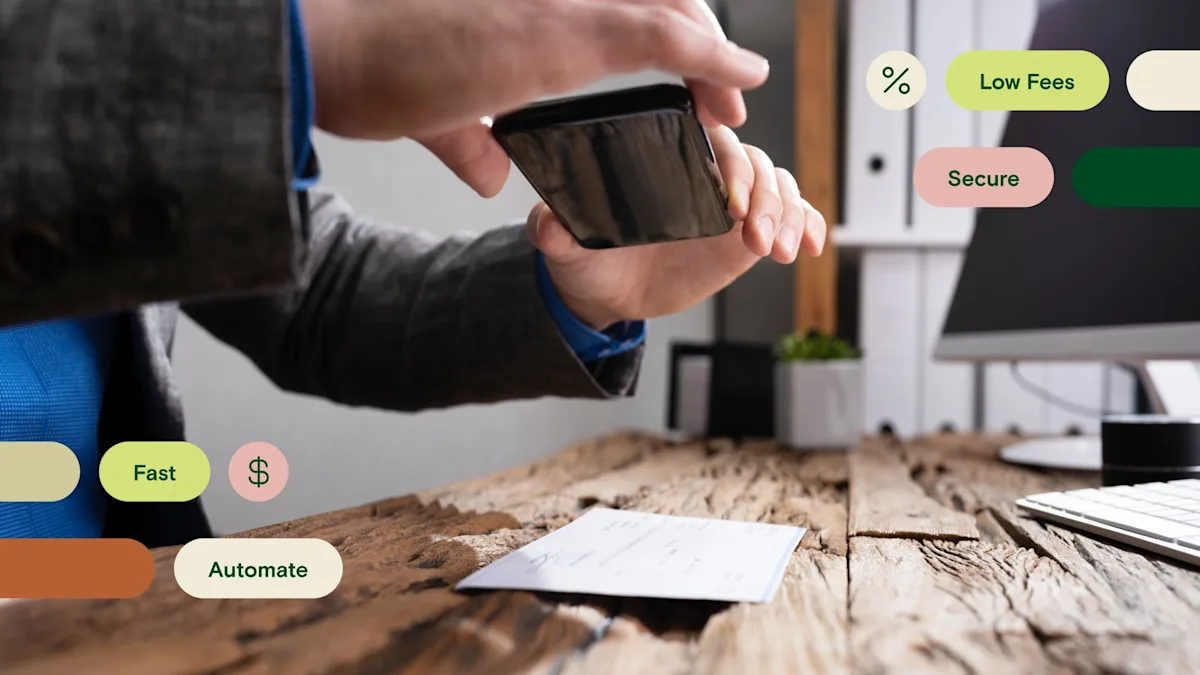
Mobile check deposit lets you deposit a paper check into your business bank account by photographing it with your phone—no trip to the branch, no envelope, no racing to beat the 5 p.m. cutoff. For a business that still takes the occasional check, it turns an errand into a 60-second task.
Checks are fading, but they aren't gone. Paper checks fell from 81% of B2B payments in 2004 to 26% in 2024—a record low—according to the AFP Digital Payments Survey reported by Nacha. One in four business payments still lands as a check, which is exactly why depositing one without a bank run still matters.
What is mobile check deposit?
Mobile check deposit is a digital banking tool that lets you deposit check funds into your account without having to visit a physical bank.
This kind of check deposit allows you to use your mobile device to deposit a paper check into your business bank account at any time. You can typically deposit the funds into either a checking account or a savings account.
Mobile banking services like check deposit and ACH can make it faster, easier, and more secure for businesses to deposit funds into their accounts. They also give small businesses the ability to manage their deposits (and their cash flow) on their own time—instead of always rushing to make it to the bank before 5 p.m.
Ultimately, mobile deposits let you skip the trip to the bank and deposit funds to your business checking account from your iPhone or Android. Whether you're at the office or on the road, you can access your cash on your own schedule.
How do mobile check deposits work?
You can typically access mobile check deposit services through your mobile banking app. Mobile deposits use something called remote capture technology to scan a check image. Your bank or financial institution will use the image to process your check deposit and add the funds to your bank account.
When are mobile check deposit funds available?
Mobile check deposit funds are usually available the next business day for at least part of the deposit, though the full amount can take longer. Under federal Regulation CC, your bank must make at least the first $275 of a check deposit available by the next business day—a floor that rose from $225 on July 1, 2025—with the remainder of a standard check typically available by the second business day.
A few things stretch that timeline:
Business days exclude weekends and federal holidays, so a check you deposit Friday evening may not start its clock until Monday.
Large deposits—generally more than $6,725 in one day—and checks flagged as exceptions can be held into the fifth business day.
New accounts, usually those open less than 30 days, get longer holds while the bank builds a history.
Mobile deposits can also carry earlier cutoff times and different hold policies than a branch or ATM deposit, so check your own bank's funds-availability policy for the exact schedule.
Are mobile check deposits safe?
Yes—mobile check deposits are safe when you use your bank's official app. The check image and your account details are encrypted in transit, and reputable banking apps add multi-factor authentication and biometric login on top. On the bank's side, image validation, deposit limits, and real-time fraud monitoring catch altered or duplicate checks.
A few habits keep your deposits secure:
Endorse the check correctly—sign the back and write "For Mobile Deposit Only" plus your account number, so it can't be deposited or cashed anywhere else.
Keep the paper check somewhere safe until the full amount clears, then void or destroy it so it can't be deposited twice.
Use a private connection rather than open public Wi-Fi, and turn on two-factor authentication for your banking app.
Can businesses use mobile check deposits?
Yes—businesses can and should take advantage of mobile check deposit to save time and improve cash flow management. To mobile deposit a business check, you'll first need a business online banking account. Then, check with your bank to make sure they support mobile deposits for business customers. Once you have verified that your bank offers the service, you'll be able to upload a scanned check image and enter the deposit details.
With Relay, business owners can open multiple business checking and savings accounts with no monthly maintenance fees. From there, you can mobile deposit checks, send and receive ACH payments, and more.
Benefits of mobile check deposit
Business mobile deposit for checks may be a good option if you have lots of checks to deposit. Say you receive recurring check payments from customers or clients. Making multiple trips to the bank every week would be a hassle.
Keeping track of paper checks can also be challenging, not to mention risky—if checks are lost or stolen, it can be a real security issue. Here are a few more benefits of mobile check deposit for businesses:
Faster access to cash: Remote deposit skips the trip to the bank, so your deposit posts sooner than a paper deposit you have to drive over. Depending on the check and your bank's policy, part of the funds can be available as soon as the next business day (see the timeline above).
Security: Checks are deposited through your mobile banking app, and your information is encrypted. Mobile deposit also lets you keep checks at home or in the office, in a safe place, instead of commuting back and forth to the bank (and risking theft or loss).
Convenience: You can deposit multiple checks into your business account in a few quick taps. Plus, you can do it from the comfort of your home instead of waiting in line at the bank.
Bookkeeping: Remote capture lets you send an image of the check to your bank, but you can keep the physical check for your records. Your accounting software or banking platform might also allow you to attach a picture of the image to the transaction.
Potential downsides of mobile check deposit
Mobile check deposit is great for businesses, but it does come with some limitations. Here are two important ones to keep in mind:
Deposit limits: Mobile check deposit limits may vary from one bank to the next. If you have multiple checks to deposit, you may want to check your bank's policy before you attempt a mobile deposit.
Fees: Mobile deposit is included at no charge at many banks, but some charge a per-item fee for the service, so confirm your bank's policy.
Though mobile check deposit is convenient, you still have to handle paper checks—which inherently come with more risks than digital payment methods.
Ultimately, your business might want to stop accepting checks altogether. Payment methods like ACH, wire transfer, and credit cards can help businesses access funds faster than checks.
How to use mobile check deposit for your business
The mobile check deposit process can vary from one financial institution to the next. It's a good idea to review your bank's mobile deposit policy before you begin.
You'll also want to download your bank's mobile app from the Apple or Google Play store. After that, you can typically take these steps to deposit a check with your mobile device:
Step 1: Log in to your bank's mobile app and access your business banking account.
Step 2: Select the deposit check link or button.
Step 3: You may see a prompt to provide the deposit information, like the date and dollar amount. You'll also have to choose a deposit account, like a checking or savings account.
Step 4: Endorse the back of the check: sign it, and write "For Mobile Deposit Only" along with your account number so it can't be deposited anywhere else.
Step 5: Use your mobile phone to take photos of the front and back of the check. Make sure all four corners of the check are displayed when using the check scanner, and double-check that the routing number is clearly shown.
Remember, it's always a good idea to keep the paper check for your records in case there are any issues with your deposit.
Deposit business checks with Relay's mobile banking app
Relay is an online banking and money management platform built for small businesses, and mobile check deposit is included on every plan. Deposit a check from your phone, then send and receive ACH payments and wires from the same place—with no per-transaction fee on the transfers you receive.
Relay also lets you open multiple checking and savings accounts with no monthly maintenance fees, and sync every transaction to QuickBooks Online and Xero to keep your books clean. Open a Relay account and you can be set up in minutes.
Frequently asked questions
Are mobile check deposits available immediately?
Not usually. Under Regulation CC, your bank must make at least the first $275 of a check available by the next business day, with the rest of a standard check typically available by the second business day. Larger checks, new accounts, and deposits flagged as exceptions can be held longer, and mobile deposits sometimes have earlier cutoff times than branch deposits. Check your bank's funds-availability policy for the exact schedule.
Are mobile check deposits safe?
Yes, when you use your bank's official app. The check image and your account details are encrypted in transit, and banks add fraud monitoring, deposit limits, and image checks on their side. Endorse the check "For Mobile Deposit Only," deposit over a secure connection, and keep the paper check until the funds clear.
Is there a limit on how much you can deposit by mobile?
Yes. Mobile deposit limits vary by bank—by dollar amount per check, per day, or per month. If you're depositing several checks or one large check, confirm your bank's limits first so a deposit doesn't get rejected.
What should you do with the paper check after a mobile deposit?
Keep it somewhere safe until the deposit fully clears—usually a few business days—in case there's an issue. Once the funds post, void or destroy the check so it can't be deposited again.
BANKING FOR THE SELF-MADE
Get started in minutes.