

Your business bank can be the difference between financial clarity and financial clutter.
If you're a small business owner looking for a bank account with robust financial features and minimal monthly maintenance fees, this guide is for you. We've put together 11 of the most popular business bank options to fit your needs, including neobanks, traditional banks and dedicated expense management platforms.
Ready to dive into each of the best Novo bank alternatives? First, let's go over what exactly Novo is.
What is Novo?
Novo is a financial technology company built for small businesses that are looking for better cash flow and budgeting transparency. It's key to note that Novo is not technically a bank itself, but rather a neobank that partners with Middlesex Federal Savings to deliver banking services. Novo promises better business finances on the go by connecting to integrations, sending invoices and paying vendors.
Freelancers, startup founders and small business owners can open a business checking account securely and easily online. You do not need a minimum balance to hold an account, and no minimum deposit is required to open—though a $50 deposit unlocks all of Novo's features.
Novo offers an invoice creation feature, making it a great option for service-based businesses. Additional perks include refunds on all ATM fees, plus discounts on QuickBooks Online, Hubspot and Zendesk.
Why you need a Novo alternative
While Novo is a great banking option for small, service-based businesses, many owners find themselves outgrowing their services. Whether you're transitioning from a sole proprietorship to a business partnership, or you're scaling rapidly, you may find yourself looking for a Novo bank alternative.
While Novo's invoicing feature is a nice perk, alternative neobank options may be able to offer better cash flow management for businesses that need to take their cash flow more seriously. Features like multiple bank accounts allow business owners to use the envelope budgeting method to separate finances. Let's compare some of the top Novo bank alternatives.
What to look for in a Novo alternative
The best Novo alternative depends on how your business handles money, but a few things matter for almost everyone. First, check the partner bank: neobanks aren't banks themselves, so your FDIC insurance comes through a chartered partner—confirm who it is and how much coverage you get. Second, look for multiple accounts or sub-accounts, which let lean teams budget and separate cash (taxes, payroll, operating) without extra headcount. Third, weigh the real cost centers—wire fees, cash-deposit fees, and monthly maintenance fees—not just the headline "no monthly fee." Finally, check integrations with your accounting and payroll tools. Fintechs tend to win on daily operations and integrations, while traditional banks still lead on credit lines and very large deposits, so many businesses run a hybrid.
Neobank alternatives to Novo
A neobank, or digital bank, is a bank without branches that operates completely online. Unlike traditional banks, neobanks offer a robust suite of online banking services to help you better manage and take control of your finances. They also provide low-cost accounts, while traditional banks often have associated fees.
The best neobanks offer minimum fees, digital convenience, and multiple accounts for easy budgeting and cash flow categorization.
Relay
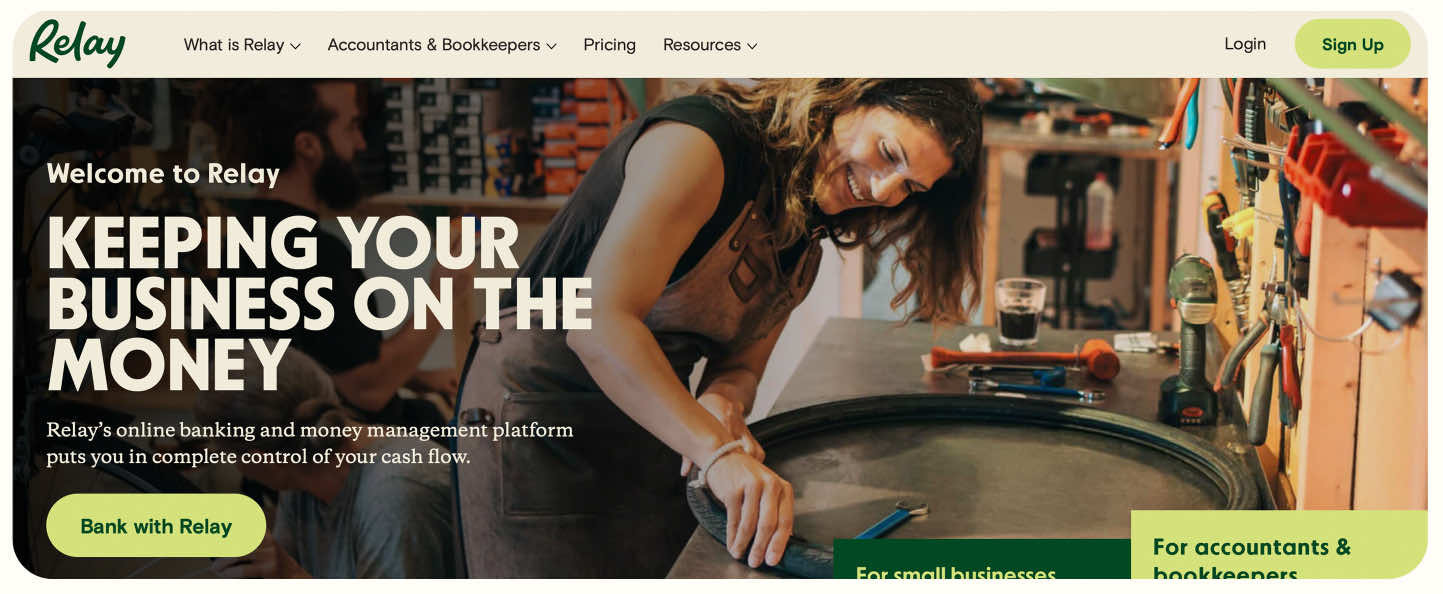
Relay is an online banking and money management platform for small businesses that want to stay on top of their money. We know that small businesses continue to be underserved by the banking industry, which is why we've built banking that truly helps small businesses get unparalleled clarity into their income and expenses.
Relay makes it easy to understand precisely what you're earning, spending and saving so you can make the smartest decisions for your business. Collect income in one place, use up to 20 checking accounts to organize and allocate income, separate cash reserves, and make more intelligent cash flow decisions with Relay.
> Compare Relay vs Novo here.
Features:
No account fees, overdraft fees or minimum balances
Up to 20 individual checking accounts
Up to 50 virtual or physical Relay Visa® Debit Cards³
Payments and deposits via ACH, wire and check
Deposits from payment processors like PayPal, Stripe, Square and more
Direct integrations with QuickBooks Online and Xero
Pros:
Truly built for small businesses with 1 - 100 employees
FDIC Insured via Thread Bank
Automated savings accounts on every plan
Free withdrawals from Allpoint ATMs—50,000+ across the U.S.
Domestic wires from $5 and international wires from $1.50 on the Grow and Scale plans⁵
Quickbooks, Xero and Gusto integrations
Can easily request payee information and W-9s
Accounts payable automation on the Grow and Scale plans
Cons:
No venture funding
³The Relay Visa® Debit Card is issued by Thread Bank, Member FDIC, pursuant to a license from Visa U.S.A. Inc. and may be used anywhere Visa debit cards are accepted.
⁵International payment services are provided by Community Federal Savings Bank ("CFSB"), a federal savings bank chartered in the United States. These services are facilitated by Nium, Inc., which operates under a program sponsored by CFSB. Relay provides access to these payment services through its platform.
Mercury
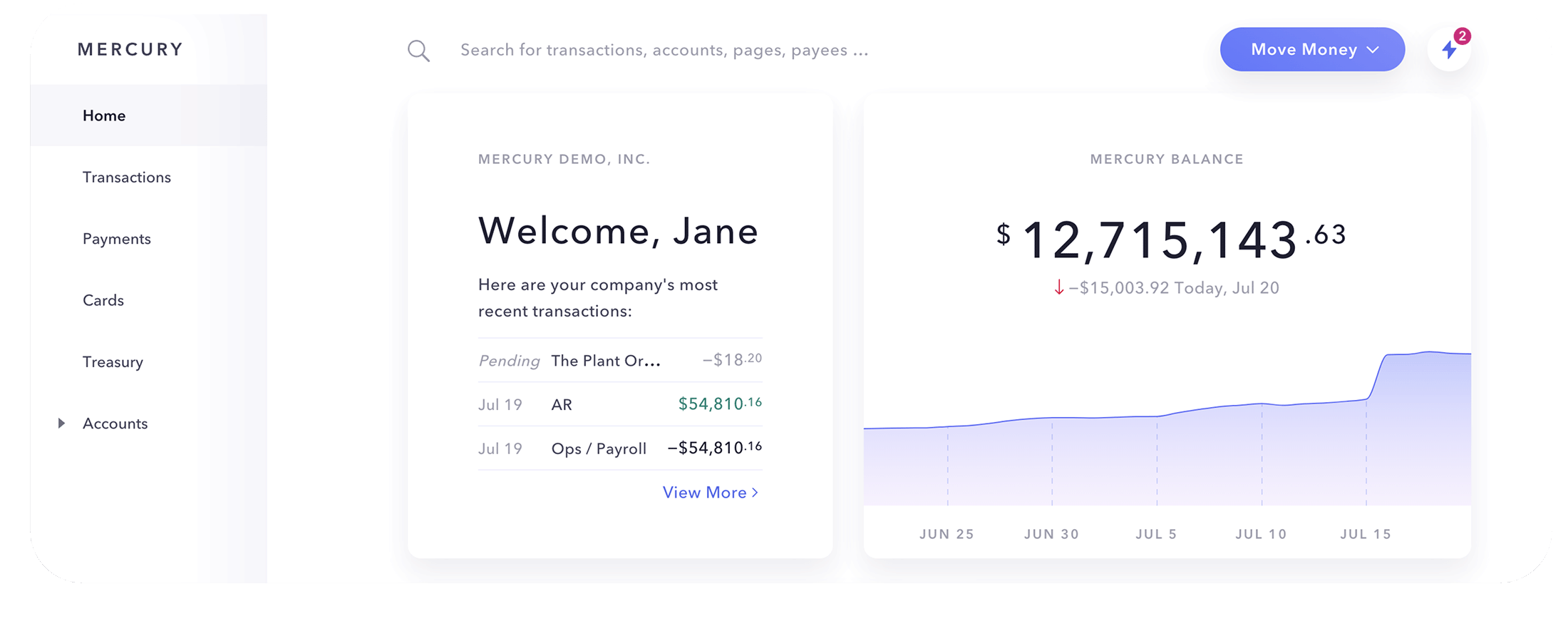
Mercury is an online banking solution for high-growth, digital-first tech startups. In addition to a suite of basic banking features, they give founders access to a venture debt product that facilitates fundraising for seed, series A and DTC rounds through their investor network.
Mercury also offers resources such as a curated investor list, a networking program that connects founders with investors, and tech perks like Amazon Web Services, Hubspot and QuickBooks Online discounts, making it a strong option for tech-focused startups.
> See the big differences between Mercury vs. Relay here.
Features:
Serves tech and venture-backed startups
No monthly service fees
No minimum balance requirements
No overdraft fees
Free ACH payments
No fees on deposits
Free checking accounts: 15
Pros:
FDIC insurance up to $5M via a sweep network (partners include Choice Financial Group and Column N.A.)
Mercury Treasury yields a rate in the ~4% range on idle cash (variable, no fixed APY)
Venture debt program
Free domestic and international wires
Quickbooks and Xero integrations
Cons:
Only 1 debit card per user
Limited payee management features
Hyperfocused on tech startups vs. general small businesses
No accounts payable automation
No Gusto integration
Brex

Brex is an all-in-one financial management platform that promises to help founders, finance teams, and employees to spend smart and grow fast. Brex offers banking services, charge cards, capital, and spend management all in one place.
Brex has moved upmarket to focus on venture-backed startups and larger companies. It doesn't serve sole proprietors or unincorporated businesses—only U.S.-registered entities like C-corps, S-corps, and LLCs—and reviews note it typically expects a meaningful cash balance to qualify.
> Compare Relay vs Brex here.
Features:
Serves tech and venture-backed startups
No monthly account fees
No minimum balance requirements
No overdraft fees
Free ACH payments
No fees on deposits
Free checking accounts: 8
Pros:
FDIC Insured
Offers startup funding
Free domestic and international wires
Cashback and rewards on card spend
Cons:
Hyperfocused on tech startups vs. general small businesses
Doesn't serve sole proprietorships
Doesn't offer savings accounts
No cash withdrawals at ATMs
> See 9 Brex alternatives for small businesses.
Bluevine

Bluevine is an all-in-one digital banking experience known for its high-yield checking accounts. Bluevine's Standard plan is $0/month and earns 1.3% APY on balances up to $250,000 when you meet monthly activity requirements. Its paid plans go higher: Plus ($30/month) earns 1.75% APY and Premier ($95/month) earns 3.0% APY. It's a good option for businesses with a significant amount of cash in the bank, though there are requirements you'll have to meet to earn the interest:
Use Bluevine's Business Debit Mastercard on at least $500 of purchases each month.
Receive a total of $2,500 or more per month from customers.
While the interest can be enticing, Bluevine charges fees for cash deposits and outgoing domestic wires that can add up.
> Compare Relay vs Bluevine here.
Features:
No monthly account fees on the Standard plan
No minimum opening balance
No overdraft fees
Free ACH payments
No fees on deposits
Free checking accounts: 1 + 5 subaccounts
Pros:
FDIC Insured
Up to 3.0% APY on the Premier plan
Free incoming wires
2 free checkbooks every year
Deposit cash at Green Dot locations
Cons:
Does not support international wires
$15 outgoing domestic wire fee on the Standard plan
$2.50 out-of-network ATM fee
2.9% bill pay with credit card transaction fee
~$4.95 cash deposit fee
Lili
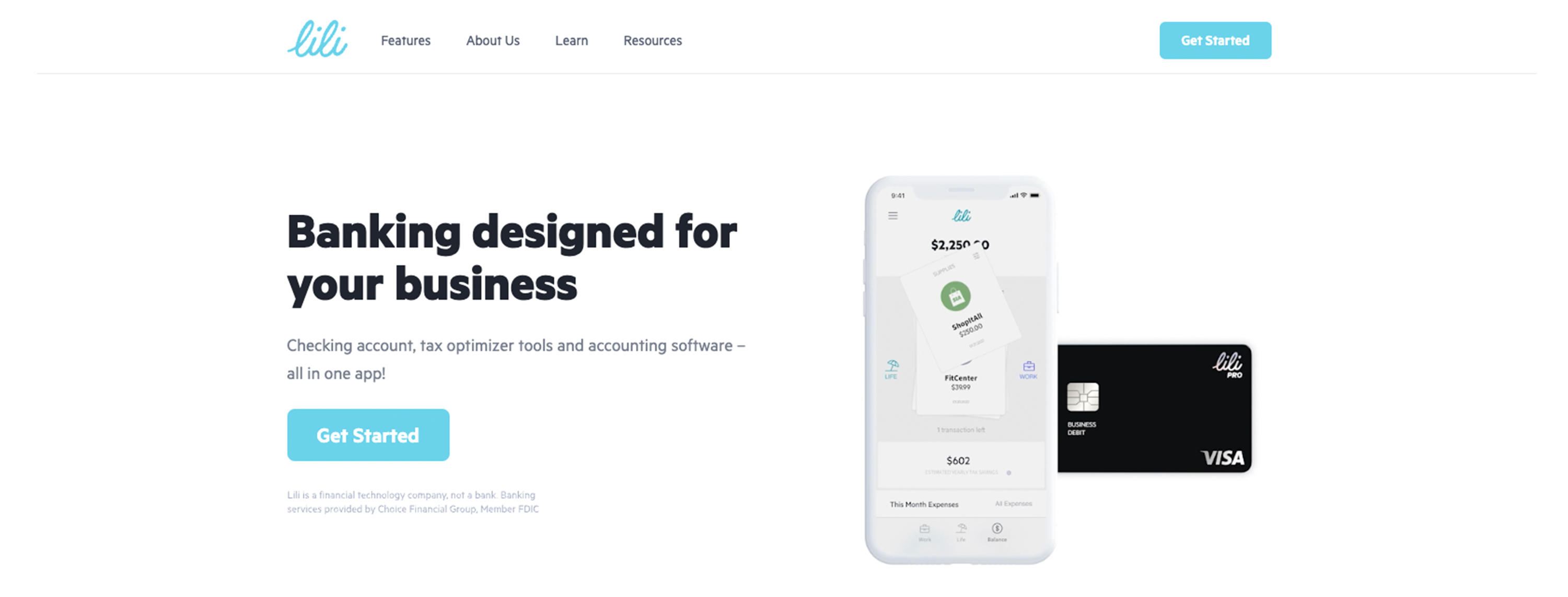
Lili offers business banking that started with freelancers and sole proprietors but relaunched in 2026 to serve multi-employee small businesses—it now supports LLCs, S-corps, C-corps, partnerships, and nonprofits. Along with basic banking features, Lili offers tax optimizer tools, like a write-off tracker and tax buckets, as well as accounting software. Lili is a fintech; banking and FDIC insurance are provided by Sunrise Banks, N.A., with wires handled by Column Bank, N.A.
Lili offers four plans: Core ($0/month), Pro ($15/month), Smart ($35/month), and Premium ($55/month), with tax tools on Pro and full accounting and invoicing on Smart.
Features:
No monthly account fees on the Core plan
No minimum balance fees
Tax saving tools
Expense categorization
Free checking accounts: 1
Pros:
FDIC Insured
Free cash withdrawals
Savings that markets up to 4.00% APY, available on every plan
Cashback at participating merchants
ACH, checks, and wires now supported
Cons:
Centers on a single checking account
Only 1 debit card per business
No currency exchange for international wires
Expense management alternatives to Novo
Expense management solutions can help your business manage employee spending, reimbursements, travel requests and more. The right expense management solution and accounting software can streamline and reduce the time spent on managing your expenses, allowing you to return to the work you love.
Ramp
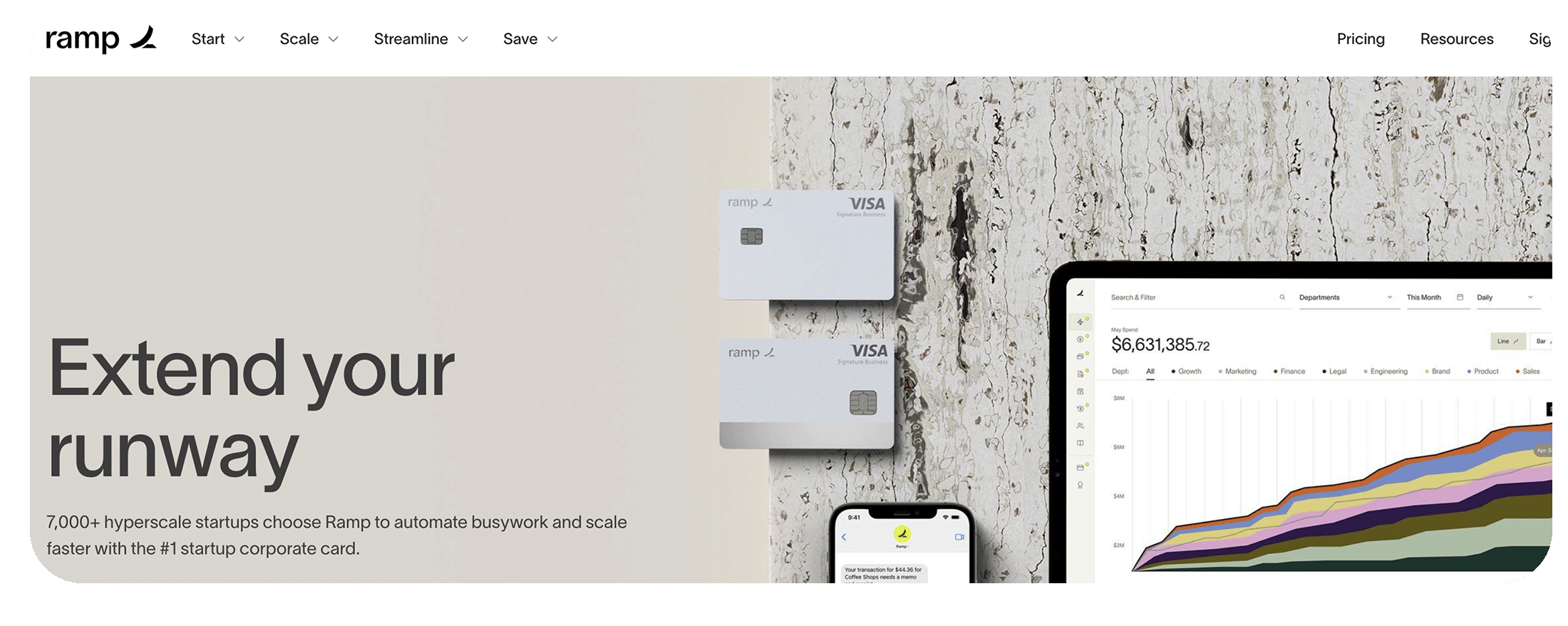
Ramp is an expense management platform that helps you automate financial busywork. Ramp offers visibility into your business finances with real-time reporting, trends, insights, analysis, and forecasting features. Ramp has also expanded beyond cards into Ramp business banking, so it's no longer card-only.
With streamlined workflows, like bill payments, onboarding and travel, Ramp promises to save you time and help you focus on growing your business.
Features:
No annual account fees
No overdraft fees
Free ACH payments
1.5% back on every purchase
Merchant and category controls
Unlimited AI invoice transcripts
24/7 customer support
Pros:
Free domestic and international wires
Quickbooks, Xero and Gusto integrations
Unlimited virtual and physical cards
Apple and Google Pay
Cons:
Requires a minimum bank balance of $25,000 to qualify for the card
Only available to registered, incorporated businesses
Not available to sole proprietors
Divvy
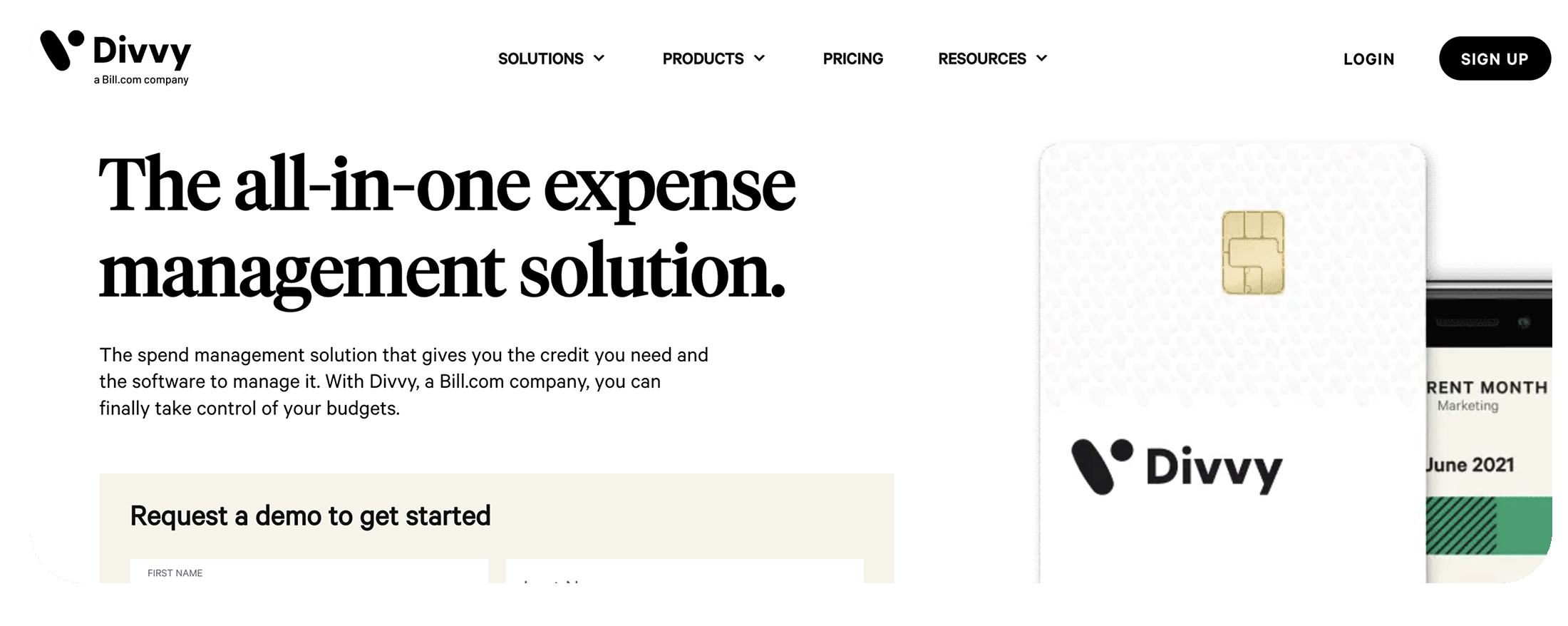
Divvy was acquired by BILL and is now called BILL Spend & Expense. It provides streamlined expense reporting so you can execute month-end. BILL Spend & Expense also allows you to understand and categorize business spending in real-time with expense tracking, business credit reconciliation and automated expense reports.
It can provide automatic receipt matching and rule-based auto-categorization. Capture expense information, review, approve and sync transactions all in one place.
Features:
Serves businesses with 1-500 employees
No annual account fees
No overdraft fees
Mobile app
Time and expense tracking
Activity dashboard
Pros:
FDIC insured
Free domestic wires
Unlimited physical and virtual cards
Up to 7X points on certain transactions
Duplicate payment alert
Cons:
0.2%-0.9% foreign transaction fee
2.99% or $38 late fee
No business checking account
Airbase
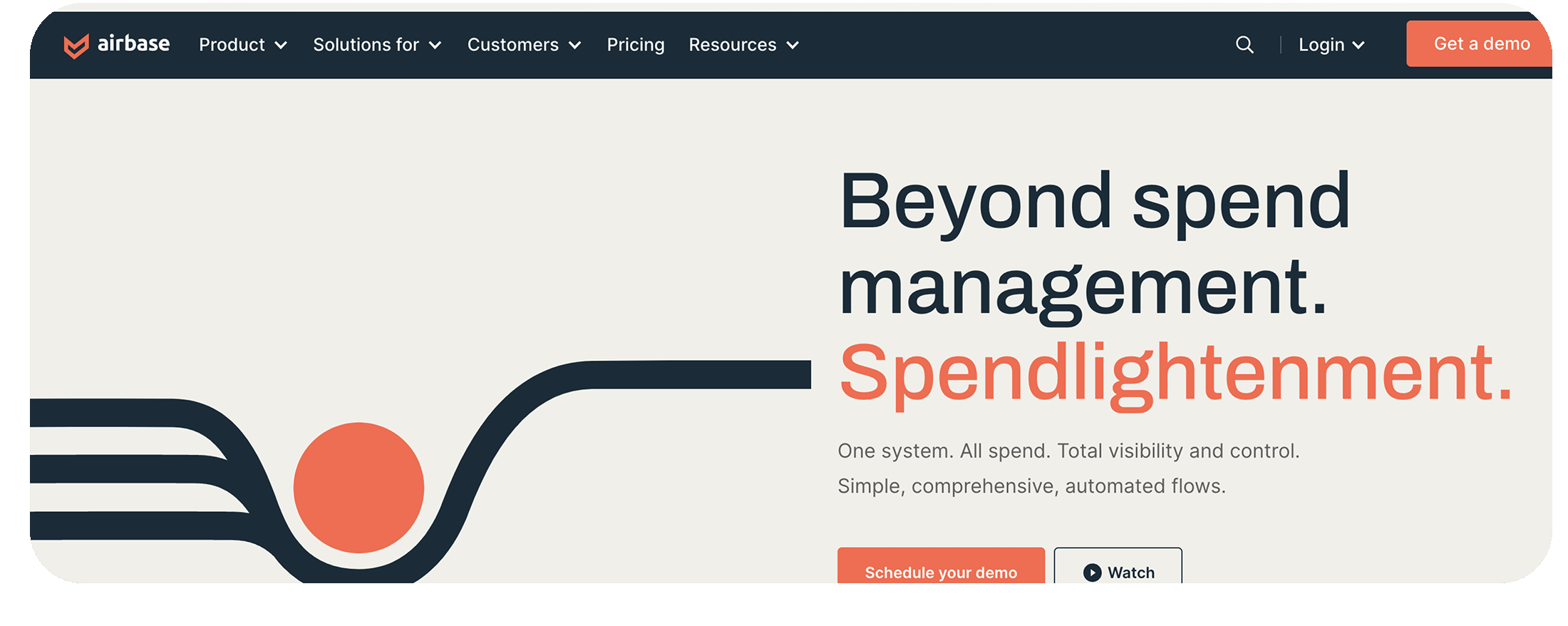
Airbase replaces manual workflows with a single automated spend management platform. It's designed to give visibility and control, so that company purchasing is safe, easy and efficient. Note: Airbase was acquired by Paylocity in 2024 and is being integrated into Paylocity's platform, so it's increasingly sold as part of Paylocity rather than a standalone product.
Airbase helps you pay vendors, manage card spending, reimburse employees and more. With standardized practices, you can eliminate reconciliations, create an audit trail, and form a single source of truth for all company spending.
Features:
Serves businesses with 1-5,000 employees
No annual account fees for certain accounts
Mobile app
Software-controlled physical and virtual cards
Payment via ACH, check, vendor credits and virtual cards
Domestic and international payment support
Pros:
Pre-funded cards with up to 2% cash back
Duplicate spend alerts and fraud detection
Quickbooks, Xero and Gusto integrations
1099 Preparation
Cons:
Auto-lock is only available for certain accounts
Account fees vary for certain accounts
Caters mostly to mid-market and enterprise-level
Mainly focused on reducing spend
No business checking account
Expensify
Expensify is a tool that automates expense management and receipt tracking. It promises to streamline your entire pre-accounting process and sync seamlessly with Xero and QuickBooks Online. With Expensify, you can track expenses, submit expense reports, pay bills, generate invoices, collect payments, track mileage and plan trips, and earn cashback on Expensify Card purchases.
Features:
Serves small businesses and enterprise businesses
Access controls
Activity tracking
Corporate card reconciliation
Accounting, HR and travel integrations
Basic analytical tools for expenses
Real-time alerts
Pros:
Quickbooks, Xero and Gusto integrations
One-Click receipt scanning
Advanced tax tracking
Automated reminders
Duplicate expense detection
Cons:
Only a pre-accounting app
Too comprehensive for sole proprietors
Lack of user support
No multiple approval workflows on lower-tier pricing plans
No business checking account
Traditional bank alternatives to Novo
Traditional banks have physical branches. While some traditional banks offer basic mobile banking services, they still require you to visit a physical site for many services like opening and closing an account. Of the most popular big banks, there are two traditional options that many business owners gravitate towards for their banking needs: Chase and Bank of America. If you want to compare more options side by side, check out our roundup of the best online business bank account picks for 2026.
Chase
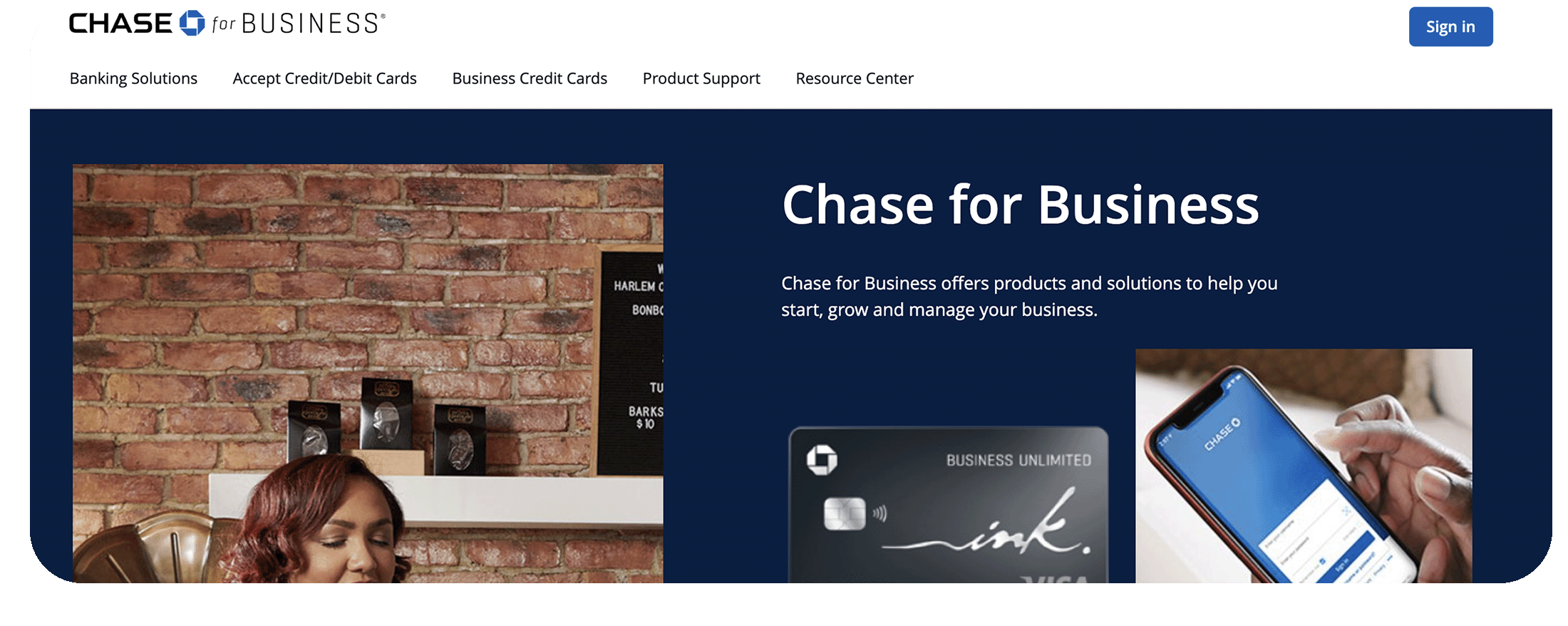
Chase business checking solutions are designed to help you manage cash flow, save time, and get the support you need when you need it. It offers three business account tiers and a sign-up bonus that has recently run up to $500.
With Chase, you can seamlessly manage your cash flow, deposits, incoming wires, and payroll through Chase Business Online and the Chase Mobile® app.
Features:
Chase Business Online and Online Bill Pay
Chase Mobile® Banking
Free Chase debit card with chip technology
Associate Debit and Employee Deposit Cards
Chase business savings account
Access to thousands of ATMs and branches nationwide
Pros:
FDIC insured
No minimum opening deposit.
Unlimited electronic deposits.
Chance to earn a sign-up bonus (recently up to $500).
Access to a large ATM and branch network across the U.S.
Corporate credit card processing
Cons:
$15 monthly fee or $0 with $2,000 of minimum daily balance
Minimum balance requirements can hinder envelope budgeting strategies
Fee-free cash deposits limited to $5,000 per month
Fee-free physical transactions limited to 20 per month
High overdraft fees
Bank of America
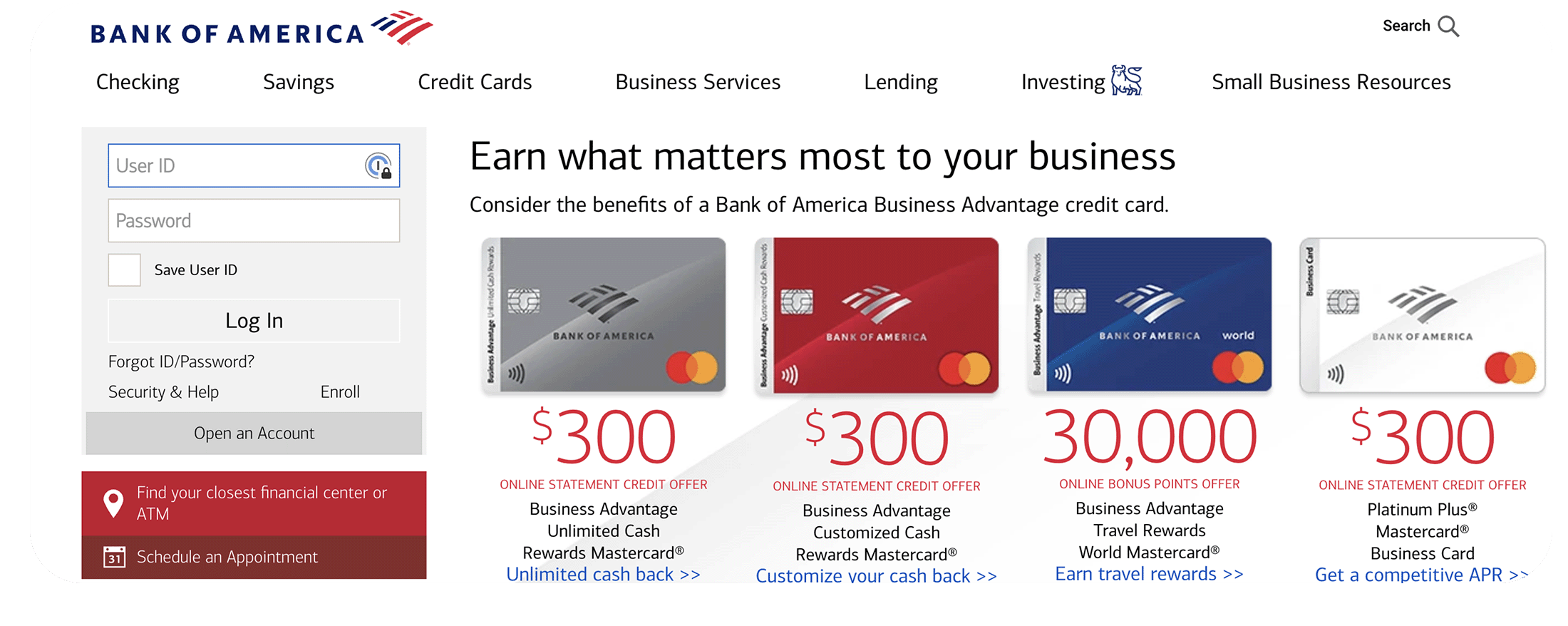
Bank of America business bank accounts are designed to move your business forward with financial tools, services and dedicated support, all in one place. Bank of America offers two primary business checking accounts: Business Advantage Fundamentals Banking and Business Advantage Relationship Banking. Both of which require monthly maintenance fees.
In addition to these core options, Bank of America offers digital tools like cash flow monitoring, digital debit cards, profile linking between personal and business accounts and more.
Features:
Efficiency tools like Cash Flow Monitor®
Mobile Check Deposit
Zelle® for your business
Access to dedicated small business specialists
Fraud protection and security
Savings account for an additional cost
Payroll Services Cash Back
Pros:
FDIC insured
Digital debit cards
Free domestic wires
Profile linking
25%-75% Rewards Bonus
Cons:
$16 monthly fee or $0 with a $5,000 combined average monthly balance
Minimum balance requirements can hinder envelope budgeting strategies
High incidental fees
Charges to use non-Bank of America ATMs
$100 minimum deposit requirement
Up to $7,500 free cash deposits, then 30 cents per $100 deposit
Relay makes managing your finances easy
If you're ready to make the switch to a business bank with unmatched cash flow clarity, consider Relay. We've built a business banking platform that truly helps small businesses.
Spend, save and plan more efficiently with unparalleled clarity into operating expenses, cash flow and accounts payable. Make the switch today.
Frequently asked questions
Is Novo a bank?
No. Novo is a financial technology company, not a bank. It partners with Middlesex Federal Savings, Member FDIC, to provide banking services and FDIC insurance. That's common for neobanks—your deposits are held and insured through a chartered partner bank rather than the fintech itself.
What is the best alternative to Novo?
It depends on what your business needs. For organizing cash flow across multiple accounts with no monthly fees, Relay is a common pick (up to 20 checking accounts and automated savings). Mercury suits venture-backed tech startups, Bluevine appeals to businesses that want a high-yield checking balance, and for pure spend management, tools like Ramp or BILL Spend & Expense fit—though those aren't full checking accounts.
Why do businesses leave Novo?
Businesses often outgrow Novo as they scale—needing multiple accounts for budgeting, accounts payable automation, more debit cards for a team, or higher transaction limits. Novo works well for lean, service-based businesses, but owners who want deeper cash flow tools tend to move to a platform built for that.
What should I look for in a business bank account?
Check the partner bank and FDIC coverage, whether you can open multiple accounts or sub-accounts for budgeting, the real fee schedule (wires, cash deposits, monthly maintenance), and integrations with your accounting and payroll tools. Match those to how your business actually moves money rather than the headline "no monthly fee."