
A routing number is a nine-digit ABA identifier for the financial institution behind a payment. You'll need it whenever a payroll form, vendor portal, or processor asks how to send or receive money from your account. The old "check the bottom-left of a check" advice doesn't help if you don't keep paper checks.
You can pull your routing number from any current bank-controlled source: your online dashboard, mobile app, statement, verification letter, or paper check if you use one. ACH, short for Automated Clearing House, is the network behind direct deposit and most vendor payments, so getting the setup right matters. Stale or mismatched routing details can send a payroll deposit or vendor debit into a delay loop, and wires can stall for the same reason.
Why does your business need a routing number?
Your business needs a routing number because it tells the payment network which financial institution to send money to (or pull it from). The account number identifies the specific account within that institution. Payroll and vendor ACH usually need both numbers, and incoming transfers often do too. An error in either one can delay or stop the payment.
The routing number affects payroll, vendor payments, incoming transfers, wires, and ACH setup. Electronic payments now carry most of that activity. Businesses used the ACH Network to process 8.1 billion B2B payments in 2025, a 9.9% increase from 2024.
The network also carries high-value business activity: B2B payments accounted for 69% of total ACH Network value in the third quarter of 2025.
Vendor ACH payments and payroll direct deposit both use those details during setup.
How to find your routing number in your dashboard, statement, or paper check
You'll find your routing number in five common places: your online banking dashboard, your mobile app, your monthly statement, the MICR line on a paper check, and a verification letter from your bank. Each source should show the same routing number for a given account, and it's worth confirming the number against a second source when the payment is high-value or deadline-sensitive.
To find and confirm the number:
Open your online banking dashboard: Log in and open your account details. The dashboard path is usually the fastest and doesn't require finding a physical check.
Check the mobile app: The account details screen in your banking app shows the same information as the desktop dashboard.
Look at your bank statement: Monthly statements list the routing and account numbers, typically in the account summary or header.
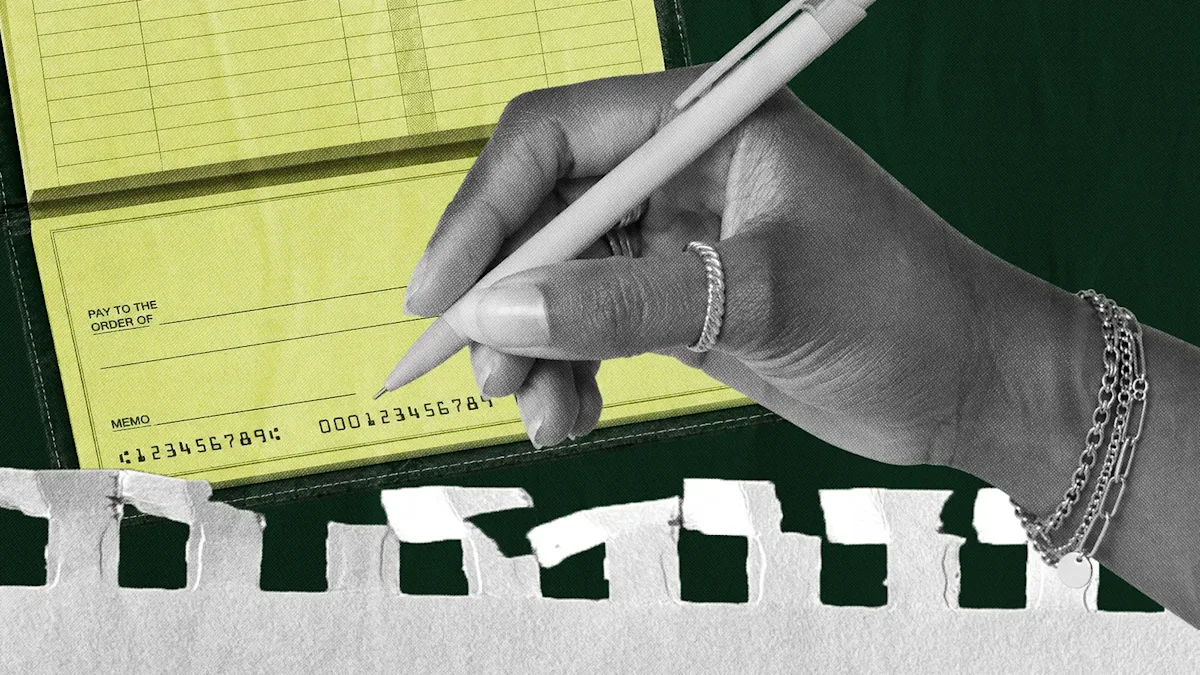
Read a paper check: The routing number is the first group of digits in the magnetic ink character recognition (MICR) line along the bottom-left of the check, followed by the account number. The check number appears separately.
Call or visit the bank: A verification letter or a direct call is the best fallback when a processor wants confirmation in writing.
Before you submit, confirm the form is asking for a routing number rather than an account number, then compare the digits against your dashboard or another current bank record.
If any group of digits is hard to read, confirm it with your bank before entering it anywhere.
If you don't keep paper checks, skip the check method and use a bank-controlled digital source instead. Where the number is stored in that case depends on where you bank.
Where to find a routing number on an online-first banking platform
On an online-first banking platform, your routing number appears in the account details screen inside your dashboard, and it usually points to the chartered partner bank behind the account rather than the software brand on the login screen. Most online-first platforms also provide a bank verification letter or an account details page you can share or download when a vendor or payroll processor asks for written confirmation.
Use current account details
Use the current account details screen, not saved copies. If your platform shows several accounts, open the exact checking account that will receive deposits or fund payments, then match the account name on the form to the account label in your dashboard. When a payroll provider, vendor, or processor asks for proof, download the current verification letter instead of retyping the numbers in a message.
Before the details leave your business, compare the business name, account label, account number, and payment type shown in the dashboard with the processor's request. If the request came by email, send the account details page or verification letter instead of copying numbers from the thread. For recurring payroll or vendor debits, save the verification letter with the onboarding record so the next person can see which account was approved and when the document was downloaded.
Confirm the partner bank
In an online-first banking model, the partner bank is a Federal Deposit Insurance Corporation (FDIC) member. Relay provides banking services through Thread Bank, Member FDIC. Each Relay checking account has its own account details visible in the dashboard, including the routing and account information needed for payment setup. The number ties to Thread Bank, the institution that holds the deposits.
ACH, wire, or check: which routing number should you use?
Use the routing number that matches the payment rail. Many banks issue more than one routing number, so the number that works for a direct deposit may differ from the number that works for a wire.
Match the number to the payment method before you submit:
ACH and direct deposit: Use the bank's ACH routing number. This covers direct deposit and most vendor payments.
Domestic wires: Use the wire routing number, which is often separate from the ACH number and typically used for higher-value or time-sensitive transfers.
Paper checks: Use the American Bankers Association (ABA) routing number printed in the MICR line.
International payments⁵: Use the recipient bank's SWIFT code or BIC (Bank Identifier Code) instead of a domestic routing number.
Before submitting, run a three-part check. First, confirm whether the payment is ACH, wire, check, or international transfer. Second, confirm the bank label for the number you're copying, because dashboards often separate ACH and wire instructions. Third, confirm the receiving account name and purpose so a payroll debit or vendor payment points to the account you intended. Use the same check for incoming transfers.
ACH vs. wire, at a glance. ACH is designed for recurring, lower-urgency movement. Wires are designed for same-day, higher-value transfers. Picking the right rail matters, and the tradeoffs between ACH and wire go beyond the routing number.
If you're not sure which number a payment needs, confirm it with your bank or in your dashboard. Mismatched routing details may be rejected or held. For international payments, you'll typically also need any required country-specific account details.
How do you manage routing numbers across multiple business accounts?
Manage routing numbers across multiple business accounts by tracking them against each account's name and purpose, not from memory. A growing business may keep multiple business accounts—an operating account, a payroll account, a tax reserve, and accounts at more than one institution—and each account has its own routing and account numbers.
Why it matters: If two different parties ask you for "the routing number" in the same week, you need to know which account each one is asking about. A vendor paying your operating account needs that account's numbers, while payroll should draw from the account that funds payroll. If you pull numbers from memory, the wrong one ends up on a form and the payment gets rejected or misrouted.
Keep a single reference: A note or spreadsheet listing each account by name, its purpose, and its routing and account numbers works. Before you hand a number to a processor or vendor, check it against that reference. The reference matters more as the number of accounts climbs, because one wrong copy-paste can send a processor back through onboarding.
Add a control layer: decide who's allowed to share or change bank details. A common split works like this:
Bookkeeper: read-only access to confirm numbers.
Owner or finance lead: approves changes for payroll, tax payments, or large vendor transfers.
Audit trail: when a vendor asks for updated routing details, log the date, the account used, and the payment rail requested.
That gives you a simple record when a payment is delayed or someone needs to confirm what was sent.
How Relay handles this: Relay is built around exactly this structure. You can open up to 20 individual checking accounts on Starter and Grow (50 on Scale), each with its own label, routing number, and account number. Operating cash, payroll, tax reserves, and vendor funds stay separated by name and purpose in the dashboard rather than in a side spreadsheet. Role-based permissions let a bookkeeper view details while owners or finance leads approve payments, which builds the "who can share or change bank details" control directly into the account instead of a policy doc.
Getting the right routing number every time
Review your routing details whenever something changes: a new account, a switched payroll provider, a vendor onboarding request, or a wire deadline. Making review part of those moments is easier than cleaning up after a rejected payment, and it gives finance teams a checkpoint to retire old vendor instructions and confirm recurring debits still point to the right account.
When your accounts have clear jobs, routing details stay connected to the payment workflows they support. Relay gives each recurring stream its own labeled checking account with its own routing and account number, so opening a Relay account keeps the number you share with a processor tied to the account the money belongs to.
Frequently asked questions
Is a routing number the same as an account number?
No. The routing number identifies the receiving financial institution, and the account number identifies the specific account. A payment setup usually needs both, and a typo in either one can stop the transfer from landing correctly. Treat them as separate fields even when a form asks for them on the same screen.
Can a bank have more than one routing number?
Yes. Larger banks often use different routing numbers based on the state where the account was opened or the type of payment being sent. Check the label in your dashboard or confirm with the bank before submitting payment details. The payment type matters, because ACH and wire instructions may not use the same number.
Where is the routing number on a check?
The routing number appears in the MICR line along the bottom edge of the check, before the account number. The check number appears separately. If the printed digits are faded or crowded, confirm the number through your online banking dashboard before you enter it.
Do fintech business accounts have routing numbers?
Yes. Online-first business banking platforms use routing numbers supplied by their partner banks. You'll usually find the number in the account details screen or on an account details page from your provider. The routing number may show the partner bank's name rather than the software brand you use to log in.
What happens if I use the wrong routing number?
The payment usually gets rejected, delayed, or held because the number doesn't match the rail or receiving institution. Before you submit new payment details, compare them against your dashboard or bank records. If you're moving from another banking provider, update payroll processors and vendors with the new routing information. If timing matters after a correction, ask your bank which faster options are available on your plan.
BANKING FOR THE SELF-MADE
Get started in minutes.