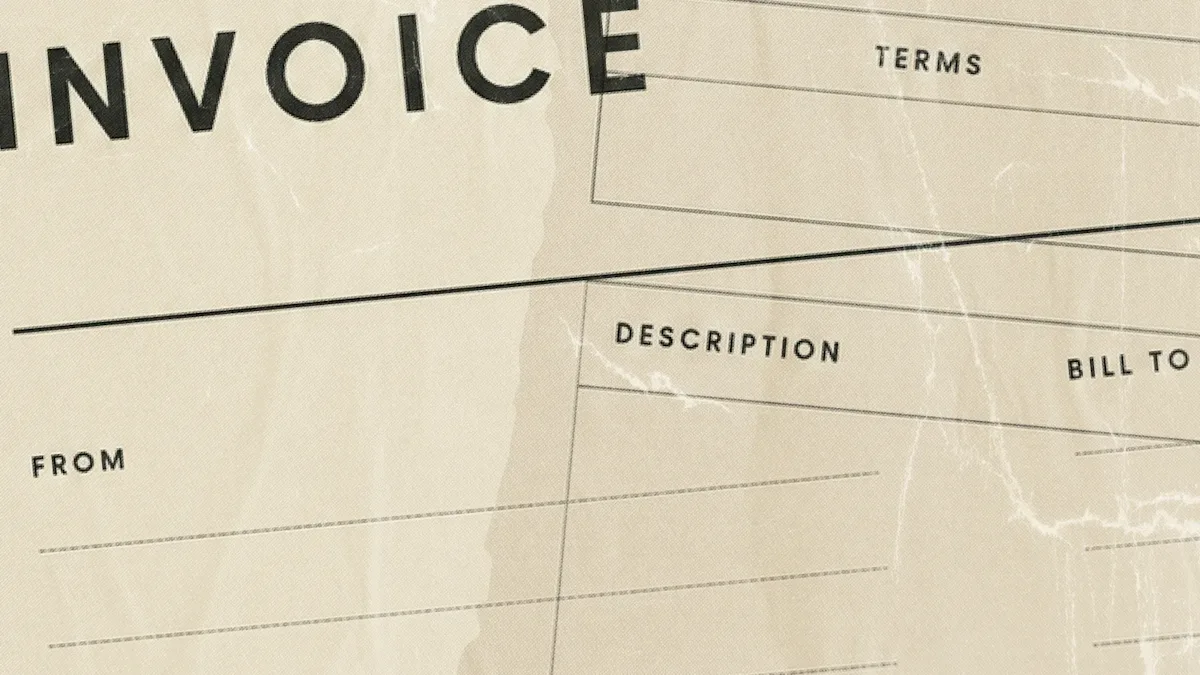
An invoice is a document a seller sends after delivery. It lists what was provided, what the buyer owes, and how and when to pay. Incomplete payment terms and vague line items can delay payment before the customer even reviews the document. A line reading only "consulting services" gives the bookkeeper on the other end a reason to ask a question instead of paying.
Knowing what belongs on an invoice gives your customer a direct path to pay by a specific date. This guide covers what an invoice is, the fields it needs, the main types, how to create one, and how invoices differ from related documents.
Types of invoices
Most invoices you send will be standard invoices, but a handful of variants show up often enough to know by name. Each one signals something different to the buyer about what stage the work is in and what the document is asking for.
Standard invoice: The default document a seller sends after goods or services are delivered, requesting payment by a stated due date.
Pro forma invoice: A preliminary estimate sent before delivery so the buyer can approve the cost. It doesn't request payment and is common in international trade.
Recurring invoice: An invoice generated automatically on a fixed schedule for ongoing work, such as a monthly retainer or subscription.
Interim (or progress) invoice: A partial invoice sent at a milestone on a longer project, so cash arrives as the work is completed rather than only at the end.
Final invoice: The last invoice on a multi-stage project, showing the total charges and subtracting any interim payments already made.
Credit invoice (credit note): A negative-value document issued to correct an overcharge, refund a return, or apply a discount after the original invoice was sent.
Debit invoice (debit note): An additional charge added after the original invoice, used when scope or hours grew beyond what was first billed.
Past-due invoice: A follow-up on an unpaid invoice past its due date, usually with the original amount, the days overdue, and any late fee.
Commercial invoice: A customs document used for international shipments that lists the goods, values, and parties involved so the shipment can clear the border.
How an invoice records a sale
After a job closes, an invoice turns the completed sale into a shared record both sides can use for payment, bookkeeping, and taxes. For an installation job, it shows what was delivered, the price behind the work, and the date the buyer uses to pay. For bookkeeping, your accountant uses it to record revenue, and the customer's accountant uses it to record the expense.
The due date sets the first review point if payment has not arrived. A sent invoice also works as evidence. If a customer ever contests payment, the invoice can help show what was billed, when it was billed, and how the seller asked to be paid.
The parts of an invoice
When your customer forwards the document to accounts payable, a complete invoice should include the details needed to process payment without sending a question back. After you build the document through a small-business invoicing process, these nine fields matter most. They group into three core components: who the invoice is between, what's being charged, and how payment should be made.
Who the invoice is between
These fields identify the parties and tie the document to a single, referenceable record.
Your business name and contact details: The payer needs to verify who is asking and where to send questions; an unverifiable sender gets set aside.
The customer's name and a specific contact person: An invoice addressed to a company lands in a general inbox; one addressed to the person who approves payment gets acted on.
A unique invoice number: Both sides need to reference one document unambiguously; reused numbers cause duplicate payments and mismatched records.
What's being charged
These fields tell accounts payable what the money is for and how the total was calculated.
Invoice date and payment due date: These dates tell accounts payable which clock to use.
Itemized line items with description, quantity, and rate: The person paying is often not the person who bought, so each line must be recognizable without a phone call.
Subtotal and taxes: Shown separately so the customer can check the math instead of querying it.
Total amount due: The single number accounts payable acts on.
How payment should be made
These fields close the loop by telling the customer when and how to send the money.
Payment terms: How long the customer has, stated explicitly (Net 30, due on receipt).
Payment instructions and accepted methods: The details the customer needs to move the money.
Incomplete invoices create specific accounts payable questions. Invoice disputes and approval delays inside the buyer's own process commonly slow B2B payment, and specific invoice fields reduce both.
What does a complete invoice look like?
On a finished services job, a complete invoice puts the key fields in one place: invoice number, dates, charges, tax, total due, terms, and payment instructions. Accounts payable should not have to search for the amount or the due date. Here is a sample services invoice, the kind an installation business might send after finishing a job:
Invoice #2047, issued March 3, terms Net 30, due April 2
Site assessment: $1,200.00
Installation labor, 16 hours at $95/hour: $1,520.00
Materials: $1,840.00
Subtotal: $4,560.00 Sales tax (7%): $319.20 Total due: $4,879.20
Several details in this invoice reduce back-and-forth. The sample applies the terms by counting 30 days from March 3, so the invoice is due April 2. Change the issue date, and the due date moves with it. The labor line shows quantity and rate rather than a $1,520 lump sum. That detail answers the question an approver would otherwise email about before releasing payment.
The separate tax line lets the customer check the math, while the invoice number keeps the example tied to one record. Compare this against your own template. If your labor lines read "services rendered" with a single figure, the approver on the other end can ask what the figure covers, and the invoice waits.
How to create an invoice
You can create an invoice in a spreadsheet, a word processor, or a dedicated tool. The steps are the same regardless of format:
Start from a template or invoice tool. Reuse the same layout every time so accounts payable knows where to find each field.
Add your business details and the customer's contact. Include a specific person on the buyer's side, not just the company name.
Assign a unique invoice number. Follow a consistent sequence (for example, 2047, 2048, 2049) so you can reference each document later.
Set the invoice date and due date. Send the invoice the day the work finishes and calculate the due date from that issue date.
List each line item with description, quantity, and rate. Avoid lump sums; show the buyer what they're paying for.
Show the subtotal, taxes, and total due. Put the tax on its own line so the customer can check the math.
State the payment terms and instructions. Spell out Net 30 (or your chosen term) and list accepted payment methods with the details the customer needs to send money.
Review, save as a PDF, and send. PDF displays the same on every device and is the standard format for B2B invoicing.
Log the invoice in your books. Record it as accounts receivable so you can match the payment when it arrives.
How is an invoice different from a receipt, bill, or purchase order?
In one sale, an invoice requests payment after delivery, and a receipt confirms payment happened after the customer pays. A bill is usually the buyer's name for a received invoice, while a purchase order authorizes the purchase before work starts. Keep the purchase order, invoice, and receipt together so the approved purchase, amount owed, and payment record can be checked without reconstructing the job later.
The invoice/bill distinction trips up the most people because it is the same document viewed from two sides. When you send an invoice, your customer receives a bill. What you record as money coming in, they record as money going out. The other two documents sit at opposite ends of the transaction:
Document | Who sends it | When | What it does |
|---|---|---|---|
Invoice | Seller | After goods or services are delivered (or at a milestone) | Requests payment and records what's owed |
Receipt | Seller | After payment is received | Confirms payment happened |
Bill | Nobody; it's the buyer's name for a received invoice | When the invoice arrives | Gets recorded to accounts payable as money owed |
Purchase order | Buyer | Before work starts | Authorizes the purchase and sets expected quantities and prices |
Store the invoice with the related purchase order and receipt. Use the invoice number when matching the customer's payment to the open balance. This filing trail helps both sides find the right record without replaying the entire sale.
How payment terms turn an invoice into a cash flow tool
When a business invoices with payment terms instead of collecting on the spot, it is extending credit to its customer. The work is done, the cost is incurred, and the money arrives later. This gap between sending the invoice and getting paid is normal in business-to-business (B2B) sales, and it is rarely small. The terms line on the invoice decides how long that gap runs.
Send the invoice the day work finishes so the clock starts immediately. If a Friday installation finishes today but the invoice goes out two weeks later, Net 30 has effectively become Net 44. Net 30 means payment is due 30 days from the invoice date, not from job completion.
Terms selection follows from your own calendar. Say your business runs payroll every two weeks and pays suppliers on Net 30. Granting every customer Net 45 means money leaves before it arrives. For new or small accounts, Net 15 may fit better than Net 30. For established customers who have paid reliably, longer terms may work. Larger projects often need deposits or milestone billing so cash arrives as costs are incurred.
Set terms expecting some customers to miss them. Overdue payments are common in B2B invoicing, so your process for when clients won't pay belongs to the same system as the terms themselves. When a payment is late, confirm the open invoice, check whether the payment instructions were clear, and follow up against the same record.
Audit your invoice template before the next one goes out
Before the next invoice goes out, treat the template as the start of a payment workflow, not the end of the sale. Assign one person to review open invoices, flag aging balances, and hand payment details to whoever reconciles deposits. Use the same account and routing details on each invoice, or a dedicated receiving account for invoice payments, so incoming ACH deposits are easier to match to invoice numbers.
When your invoice template is doing its job, opening a Relay account gives your business a matching place to receive and sort the cash, with account and routing details you can put directly on your invoices.
Frequently asked questions
Is an invoice a legal document?
An invoice can support a payment dispute, but the contract or agreement explains what each side owes. It shows the seller delivered goods or services and asked for payment, which can support debt recovery and gives both sides a tax record.
What is the difference between an invoice and a quote?
A quote (or estimate) is sent before the work begins and shows the expected price so the customer can decide whether to proceed. An invoice is sent after the work is delivered and requests payment for what was actually provided. A quote is not a bill; an invoice is.
When should you send an invoice?
Send it the day the work is completed, the goods ship, or the agreed milestone is reached. Waiting to invoice gives the customer more time before payment is due, even when the work is already finished.
What is e-invoicing?
E-invoicing is the exchange of invoice data between a seller's and buyer's systems in a structured digital format (such as XML or a network like Peppol), rather than as a PDF or paper document. Because the data is machine-readable, the buyer's accounts payable system can process it without manual entry. E-invoicing is now mandated for many business transactions in the EU, India, and parts of Latin America, and adoption is growing in the US.
Can a freelancer or sole proprietor send invoices?
Yes. A freelancer or sole proprietor can send invoices under their own name or a registered business name. The same nine fields apply, and it's common to include a tax ID (such as an SSN, EIN, or the equivalent in other countries) so the client can issue year-end tax forms.
How long should you keep invoices?
Keep sent and received invoices for as long as your tax authority requires records. In the US, the IRS generally recommends keeping supporting documents for at least three years, and up to seven in some situations. Many businesses keep invoices for seven years by default to cover audits, disputes, and warranty claims.