
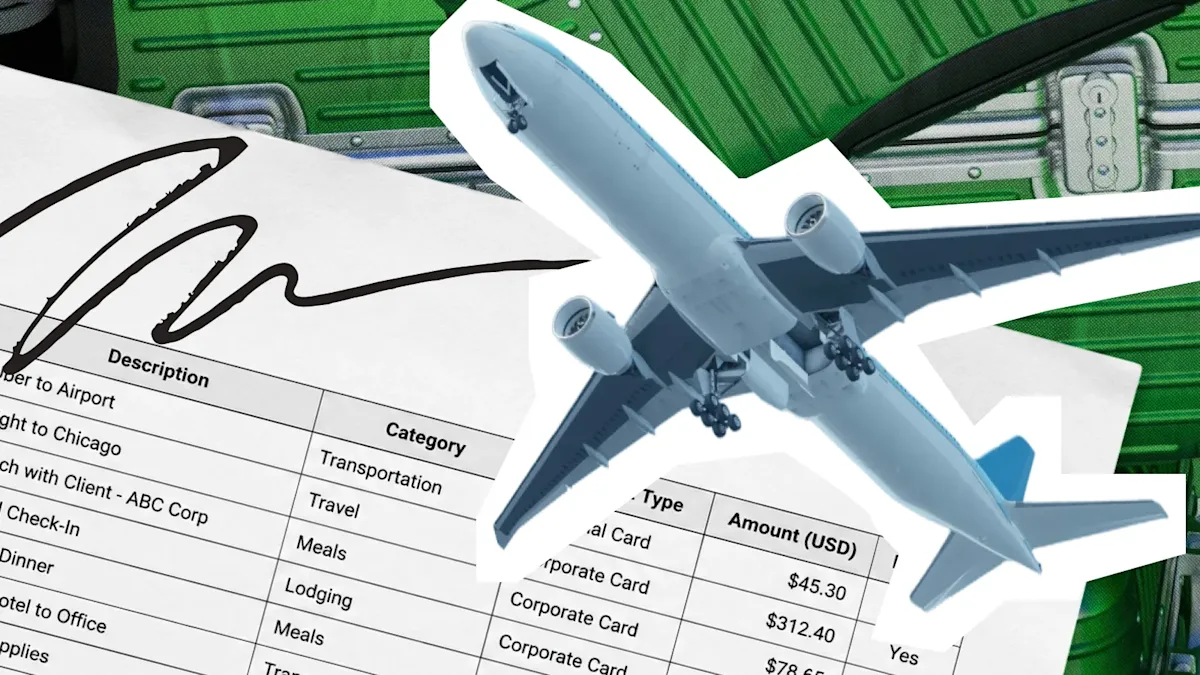
Most owners think an expense report is about repaying the employee. The repayment is the easy part: write a check and record the transfer. The hard part is proving to the IRS that the money you moved out of the account was a business reimbursement and not disguised wages.
An expense report makes that proof possible: who spent the money, what they bought, and the business purpose behind it. A clean report documents each line so accountable-plan rules keep the reimbursement outside payroll, whether you're reviewing a team's receipts or your own.
What is an expense report?
An expense report is an itemized record of business costs someone paid out of pocket, filed so the business can repay the spender and document the expense for taxes. Employees regularly cover business costs on personal cards or with personal cash: a client dinner, a hotel on a work trip, an office supply run, or mileage on a personal vehicle.
The report turns those personal charges into a reimbursement request the business can approve and repay, and it gives your bookkeeper the documentation needed to deduct the expense and classify the repayment correctly.
Without the paperwork, a repayment still moves money out of the account, but it leaves you holding a deduction you can't support and a payment you can't classify.
Group expenses on the report into categories so the totals flow cleanly into the books. Common categories include:
Meals and entertainment
Travel (airfare, taxis, rideshare, car rentals)
Lodging
Mileage and vehicle costs
Office supplies
Client or customer-related purchases
The fewer purchases that hit a personal card, the fewer lines a report has to reconstruct at month-end. Relay's expense management puts routine team spending on the business account with receipts attached to each transaction, so most costs never enter the reimbursement workflow in the first place.
Why are expense reports important
Expense reports keep reimbursements clean, deductions defensible, and spend visible. Five reasons they earn their keep:
Tax deduction support: every deducted business expense needs a documented business purpose, and the report records that purpose.
Accurate employee reimbursement: the report tells payroll or bookkeeping exactly what to repay and to whom, so the right person gets the right amount.
Audit trail: organized records with receipts and approvals that hold up if the IRS or an accountant asks.
Spend visibility: category totals show where the team's money goes, so overspend surfaces before it becomes a pattern.
Policy enforcement: a review step catches duplicates, personal charges, and out-of-policy items before they're paid rather than after.
The tax, reimbursement, and approval pieces work together. You aren't only collecting receipts; you're creating a record that connects the purchase to the business reason and the repayment decision.
Skip the report and you lose all five at once: the deduction, the clean repayment, the audit backup, the visibility, and the check on what's flowing out the door.
Types of expense reports
Expense reports get sorted by how often they're filed and what they're covering. Most small businesses only need the format that matches how money moves.
By frequency
One-time reports cover a single event, such as a trip, conference, relocation, or one-off purchase. Monthly reports cover ongoing team spend that hits personal cards during a set period. Quarterly or annual reports roll up spend for budgeting, forecasting, audit prep, or tax filing, and they work best when built from monthly reports.
By scope
Travel expense reports cover every cost tied to one trip, including flights, hotels, meals, ground transport, and mileage tied to the same dates and purpose. Project-based reports group costs by client, job, or matter so the total maps to a specific engagement. Per diem or cash-advance reports reconcile a daily allowance or advance against receipts and return the difference to the business.
Use the lightest format that fits the spending. A team that travels rarely doesn't need a separate travel form; a contractor billing job costs to clients does.
What goes on an expense report?
Each expense line needs enough detail to prove the business facts behind the cost. Those facts matter because a reimbursement record has to satisfy your internal approval process and the tax record behind the deduction.
IRS substantiation elements
Under IRC §274(d), you have to substantiate the amount of the expense, the time and place of the travel or use, the business purpose of the expense, and the business relationship to the taxpayer of anyone benefited. For meals, that means who attended. See the IRS Publication 463 travel and expense guidance for the underlying rules.
Fields to include
A complete report includes the fields that prove the expense and move the report through approval. Standard expense categories include meals, lodging, mileage, and supplies:
Employee name and the reporting period the expenses fall in
Date of each expense, one expense per line
Vendor or place where the money was spent
Expense category (meals, lodging, mileage, supplies)
Amount and payment method
Business purpose for each line
Receipt attached for each line, when required
Subtotals by category, the report total, and an approval signature
Together, those fields show what was spent, why it was business-related, and who approved repayment.
Receipts versus substantiation
Treat receipts and substantiation as separate requirements. Receipts are the paper proof of a purchase; substantiation is the business story behind each expense.
Under Treas. Reg. §1.274-5(c)(2)(iii)(A), the IRS explains in Publication 463 that documentary evidence such as receipts or paid bills is required in three cases:
Any lodging expense while traveling away from home
Any other expense of $75 or more
Transportation charges, unless a receipt is not readily available
The substantiation elements apply to every expense, regardless of size. A small client coffee with no receipt can still go on the report, provided the date, place, amount, and purpose are recorded. A larger dinner with a receipt but no documented purpose fails, receipt and all.
Steps for completing an expense report
Completing an expense report means turning each personal charge into a dated, categorized, approved line. Use an expense tracker template as an expense report template, with columns for date, vendor, category, amount, payment method, business purpose, and receipt status. Capture the facts first, then confirm which costs belong in the reimbursement total.
Free expense report template
Use columns for date, vendor, category, amount, payment method, business purpose, receipt status, category subtotal, report total, cash advance, and approval signature.
Before you start
Separate reimbursable expenses from charges the business already paid directly. The report should repay personal spend only; business-card purchases usually belong in the accounting record.
Submission checklist
Use this order to build an approvable reimbursement package.
Set the reporting period, typically the calendar month.
Enter each expense as its own line with the date, vendor, category, and amount.
Write a specific business purpose on every line. "Dinner with the Fairview account to discuss the upcoming contract renewal" beats "client dinner."
Enter mileage as its own line using the IRS rate that matches the travel date, not the date the report is filed. The IRS mileage rate can change during the year, so check the current IRS mileage guidance before calculating reimbursement.
Attach receipts you have in line order.
Total the report by category and subtract any cash advance.
Sign the report and submit it for approval.
Once the report is signed, save the spreadsheet and receipts with the approval so the reimbursement record stays complete.
How accountable plans keep reimbursements tax-free
A qualifying accountable plan lets the business repay employees for business expenses without treating those payments as W-2 wages or running payroll taxes on them. The plan is a set of reimbursement rules the business adopts and follows: expenses must be business-related and documented, and any excess advance has to be returned.
To qualify, the arrangement must meet three requirements:
Business connection: The spender paid or incurred the expenses while performing services for the business.
Adequate accounting: The spender substantiates the expenses with the records and receipts covered above.
Return of excess: Any amount advanced beyond what's substantiated goes back to the business within a reasonable period.
Meet all three and you can repay the employee outside payroll. Miss any one and the business treats the payment as wages, with income tax withholding and payroll taxes on both sides.
What if you're both the submitter and the approver?
The accountable-plan rules don't relax when you're the owner reviewing your own receipts. The same three requirements still apply. If you approve your own expenses, you substitute structure for hierarchy: a written expense policy and a monthly filing routine, backed by periodic certified public accountant (CPA) or bookkeeper review.
Your policy should cover which categories are reimbursable, what limits apply, the receipt rule, and the filing deadline; a corporation can adopt the policy by board resolution. The review adds the second set of eyes an employee-manager chain would normally provide.
A reviewer should be able to match the dinner receipt to the line that names the client, purpose, and reimbursement amount, not infer those facts from a card statement. If a CPA or bookkeeper reviews your monthly package, save the signed checklist or approval note with the report.
Put your expense report process in writing this week
Write down the policy your spreadsheet is already trying to enforce. Set a submission deadline, name the approver or reviewer, and define what happens when a report is late, incomplete, or includes a nonreimbursable charge. Assign one person to follow up on missing receipts before month-end.
Once more than one employee files a monthly report, the spreadsheet stops earning its keep. Every month brings rows to process, missing receipts to chase, and totals to re-key into accounting software. Putting routine purchases on business accounts from the start removes much of that work: employees don't front personal money, each transaction posts with its own record, and the monthly report shrinks to the few receipts that couldn't have been paid on a business card.
When you're ready to stop rebuilding the same reimbursement pile every month, opening a Relay account gives your team a cleaner starting point: the Relay Visa® Debit Card³ for employees, receipt capture with AI-assisted categorization, and QuickBooks Online or Xero sync so month-end starts categorized.
³The Relay Visa® Debit Card is issued by Thread Bank, Member FDIC, pursuant to a license from Visa U.S.A. Inc. and may be used anywhere Visa debit cards are accepted.
Frequently asked questions
Do I need a receipt for every expense on an expense report?
Generally no. Receipts are typically required for larger expenses, and lodging always requires a receipt regardless of amount. Every expense still needs the date, place, amount, and business purpose.
Who is responsible for filling out an expense report?
If you paid the expense, you fill out the report because you have the purchase details. A manager, finance lead, or owner reviews and approves it before your payroll or bookkeeping process issues the reimbursement.
What tools or software can I use to create an expense report?
For a small team, a spreadsheet template with columns for date, vendor, category, amount, purpose, and receipt status is usually enough. Once several employees file monthly, expense management tools or business accounts with receipt capture can cut the reconciliation work.
How often should employees submit expense reports?
Monthly is the practical standard for a small team. It keeps paperwork current and keeps accountable-plan reimbursements inside the expected timing window.
Are reimbursed business expenses taxable to the employee?
Not if the business repays them under a qualifying accountable plan. Without a qualifying plan, the reimbursement generally counts as taxable wages, with income tax withholding and payroll taxes applied.
What is the IRS business mileage rate for 2026?
Use the IRS business mileage rate for the date of the trip, not the date the report is filed. Because the rate can change, check the trip date before calculating reimbursement.
BANKING FOR THE SELF-MADE
Get started in minutes.