
Payment Requests let you request and collect payments from your customers directly in Relay—by card, bank transfer, or ACH. No extra tools and no additional setup: just faster payments and better cash flow control.
One overdue payment can set off a domino effect. If a client delays paying you, you might struggle to cover your own rent, utilities, or supplier costs. That delay can force you to dip into savings, rely on credit, or even miss payroll. Late payments don't just disrupt your finances; they disrupt your operations, relationships, and long-term stability.
With Payment Requests, Relay gives business owners more control over when and how you get paid, including:
Faster, predictable payments: get paid directly into your Relay checking or savings account, skipping the delays and costs of third-party payment processors
Transparent transaction data: each payment includes detailed transaction memos, making bookkeeping easier and more accurate
Instant setup: no applications, approvals, or new accounts needed. Just send a request and get paid
How does a payment request work?
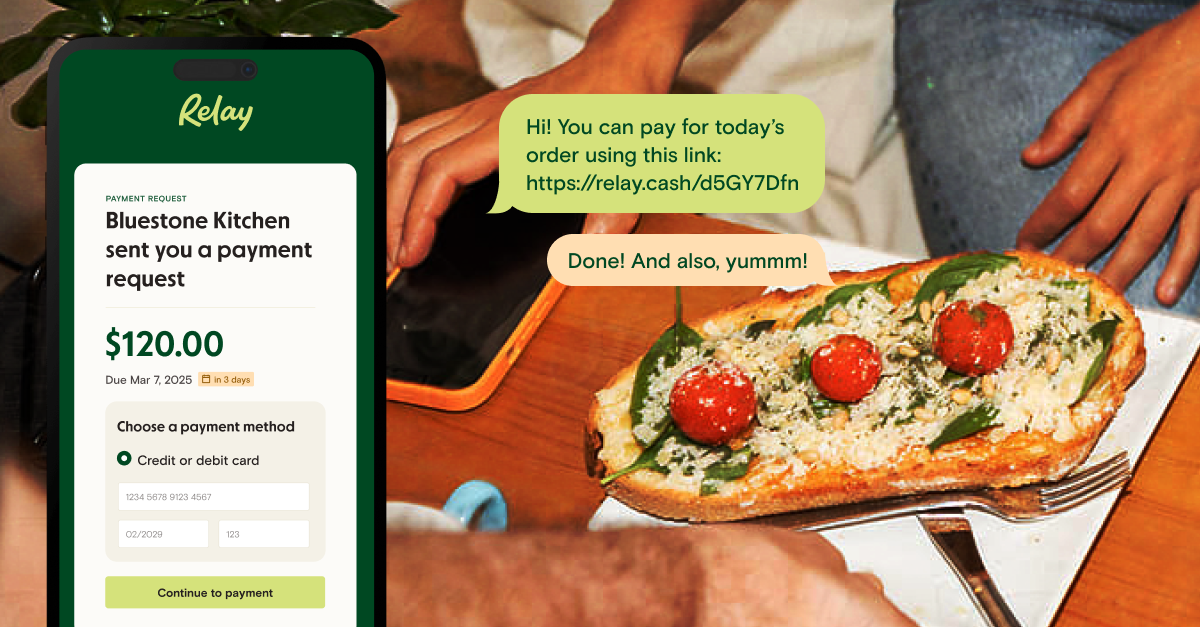
A payment request is a secure link you send a customer to collect a specific amount. You create the request in Relay, choose which payment methods to offer—card, pay by bank, or a manual ACH or wire transfer—and send it by email or share the link through your own workflow. Your customer opens the link and pays through a secure portal, the funds settle into your Relay account, and the payment reconciles automatically against the request. There's nothing for your customer to install, and your own bank details stay hidden behind a secure pass-through account.
More control, fewer disruptions
Small business owners are already using Payment Requests to streamline their cash flow management. Here's a look at how Relay businesses are putting them to work:
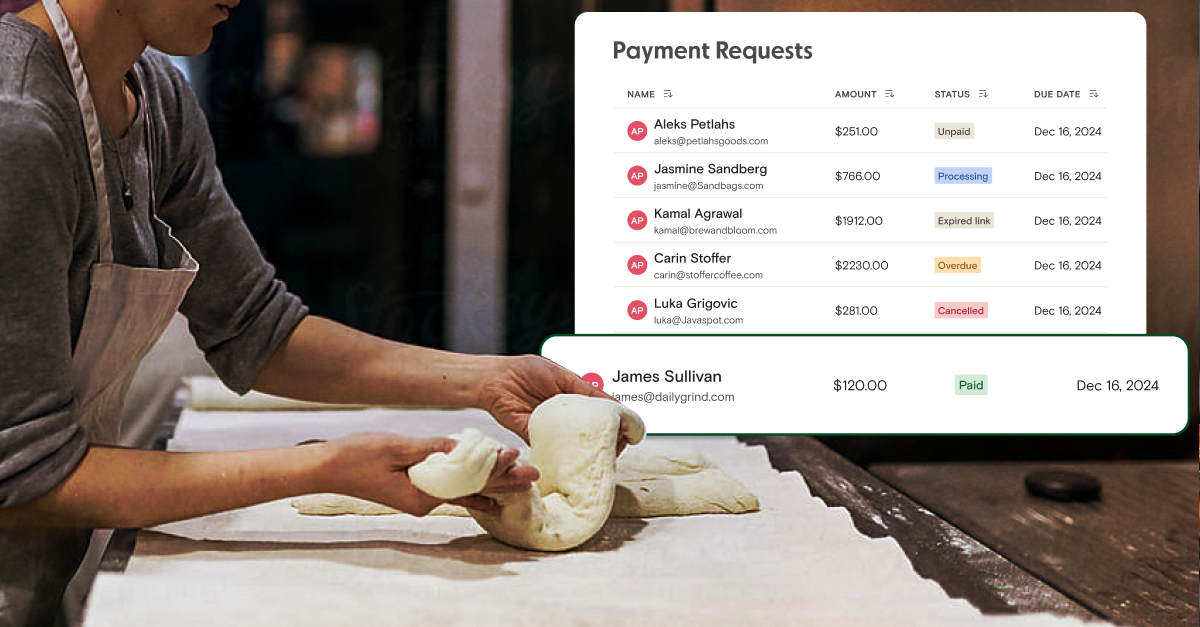
A catering business uses payment requests to collect deposits for custom orders. Now they can see when a payment is made and in "Processing" status, so they can start planning in advance. Before, they had to wait a few extra days for the payment to land before they could start baking.
A short-term rental business found out their tenants had brought along five extra surprise guests. Their usual rental platform didn't make it easy to edit the booking invoice, so they used Relay as a supplementary payment processor and quickly sent a request for the additional fees.
A fitness and coaching business now uses Relay to collect payment on all their invoices. They were struggling to navigate the complex options in the credit card processing landscape. When they saw that Relay offered comparable fees and processing times to competitors like Stripe and Square, they moved their financial workflow into one place.
A nonprofit organization was struggling with a multi-step process for collecting ACH payments. Every additional step meant another opportunity for a donor to drop out of their funnel. With Relay, they now have multiple easy ways to collect ACH payments and can test whether credit and debit processing makes sense for them.
A general contractor normally texts his clients when it's time to pay, then waits for a check or manual transfer. Now he sends the same text—but with a payment link. His clients can pay instantly via ACH or card, and he can track payments in real time, so there's no more guessing whether the money is on the way.
Getting started with Payment Requests
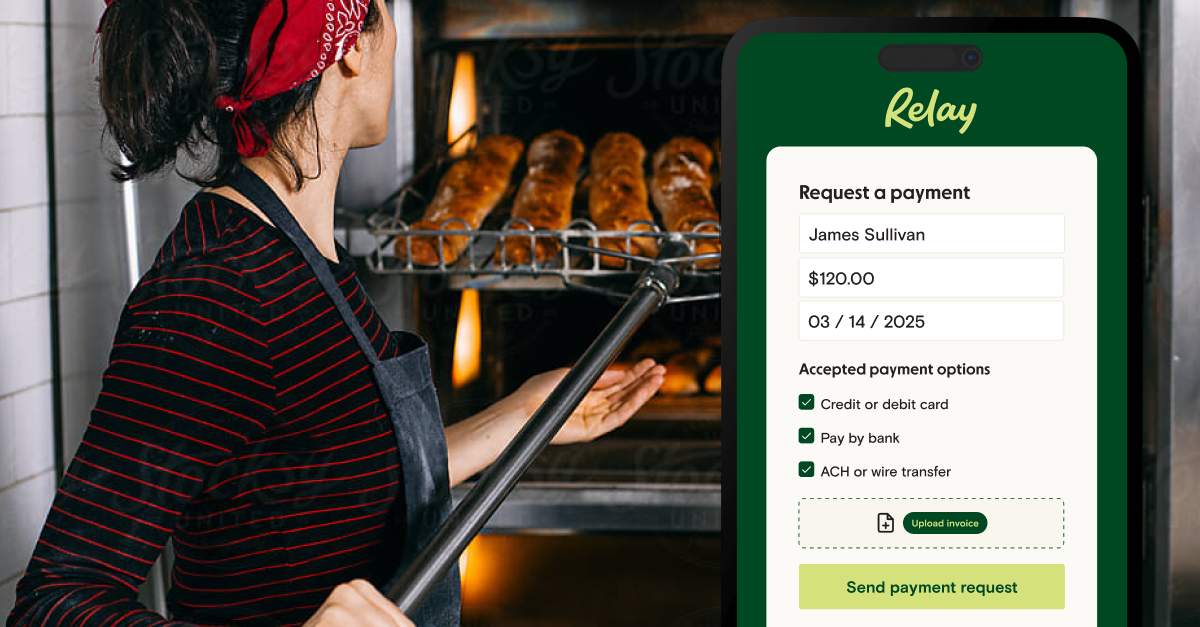
You now have a new option on your Relay menu: Get Paid. From here, it's easy to send your first payment request.
1. Create a payment request: click the Request a payment button, and enter your customer's contact info, amount owed, and due date. Attach an invoice and add a message if needed.
2. Choose payment methods: offer your customers the option of ACH, wire, credit card, debit card, or all of the above.
3. Send it your way: Relay can send an email for you. Or you can copy the secure payment link and share it through your own workflow—email, CRM, or invoicing system.
4. Track payment status in real time: keep an eye on outstanding requests in Relay, spot overdue payments, and send reminders with one click.
5. Get paid faster: customers click the link and pay through a secure portal.
The safest way to share your banking details
We've all sent them—those polite yet awkward follow-ups to clients about outstanding invoices. But if you're copy-pasting your bank account number into those emails or texts, you might feel uneasy about the security risk.
When you request a payment through Relay, your sensitive banking details are not exposed. Instead, we use a secure pass-through account that keeps you protected, without creating any additional steps for you or your customer.
Accept payments by your preferred method
You can choose which payment methods to offer for each request, giving you full control over how you receive payments. Here's how they break down:
Credit card or debit card
Best for: businesses that want to offer customers a fast, familiar way to pay. Accepting card payments can increase payment speed and reduce friction in your collection process.
How it works: customers can pay using all major card brands, including Visa, Mastercard, American Express, and Discover. Relay businesses receive the payment, minus processing fees, in batched payouts.
Cost to Relay business: 2.9% + $0.30 per transaction
Cost to paying customer: $0
Estimated settlement time: 2–3 business days
Pay by bank
Best for: businesses that want to give customers an easy way to pay while minimizing fees.
How it works: customers connect their bank account directly from the Relay portal and initiate a transaction using ACH rails.
Cost to Relay business: 1% on Starter, 0.75% on Grow, and 0.50% on Scale—each capped at a maximum fee of $10 per transaction
Cost to paying customer: $0
Estimated settlement time: 2–3 business days
ACH or wire transfer (manual payment)
Best for: businesses that want to avoid processing fees and don't mind that it requires their customers to take a few extra steps.
How it works: customers get a secure link containing your bank account number (a secure pass-through account is used for your safety). They then open their bank's website or app and manually initiate the ACH or wire payment. This transaction happens outside Relay. It lets you avoid fees while still centralizing and tracking all your payments in one place.
Cost to Relay business: $0 for a manual ACH transfer; $5 if the customer pays by wire
Cost to paying customer: determined by the sender's bank
Estimated settlement time: determined by the sender's bank
Invoicing in Relay
Payment Requests are one half of Relay's get-paid toolkit—invoicing is the other, and it's live now. On the Starter plan you can create and track invoices, share payment request links, and send automated follow-ups at no monthly cost. The Grow plan adds recurring invoices, auto-charging a card on file, and the option to pass card fees on through surcharging. Together, Payment Requests and invoicing give you an end-to-end way to manage receivables—reducing manual work and getting payments into your account faster.
Ready to get paid faster? Open a Relay account and send your first payment request today.
Frequently asked questions
How do I get paid faster as a small business?
Send customers a payment request link instead of waiting on a mailed check or a manual bank transfer. With Relay, a customer can pay by card or bank transfer the moment they open the link, and the funds land directly in your Relay checking or savings account.
What does it cost to accept a payment through Relay?
Card payments cost 2.9% + $0.30 per transaction. Pay by bank costs 1% on Starter, 0.75% on Grow, and 0.50% on Scale, capped at $10. A manual ACH transfer is free; a manual wire carries a $5 fee. Customers are never charged an extra fee to pay you.
How long do payments take to settle?
Card and pay-by-bank payments settle in about 2–3 business days. Manual ACH and wire timing is set by the customer's bank.
Can customers pay by credit card or bank transfer?
Yes. You choose which methods to offer on each request—credit card, debit card, pay by bank, or a manual ACH or wire transfer—so customers can pay the way that's easiest for them.
BANKING FOR THE SELF-MADE
Get started in minutes.