

As a small business owner, keeping track of your receipts directly affects your bookkeeping, your tax deductions, and your cash flow. But staying on top of them is easier said than done.
Research shows that most small business owners work more than 40 hours per week, so organizing receipts is probably the last thing you want to do at the end of a long week. Whether you're trying to stay on top of team spending or accurately deduct travel costs, receipt management can be a tedious and time-consuming task.
However, keeping track of your receipts can help audit-proof your company come tax time. Plus, great bookkeeping habits can help you identify cost-saving opportunities and grow your profits.
So here's the good news: in this guide, we'll share our top strategies to make organizing receipts painless—and maybe even fun.
We'll also cover:
Let's dive in!
Why should small business owners save receipts?
Good record-keeping is key to building and maintaining a successful business. But you may wonder if holding on to your receipts is really worth the hassle. The short answer is: absolutely, yes.
Here are a few reasons to think twice before throwing away your receipts.
Receipts keep you prepared for tax season
Your tax return is like a financial snapshot of your small business's income and expenses. Without receipts, it's hard for the IRS to see the full picture.
As the saying goes, sometimes you have to spend money to make money. Covering payroll, buying inventory, and purchasing office supplies can all affect your bottom line—but that's why the IRS allows you to claim a tax deduction for these items.
A tax deduction (also known as a write-off) allows you to subtract certain types of expenses from your business's taxable income. However, it's crucial to keep your receipts if you plan to claim something as a write-off—if you're ever audited by the IRS, you'll need proof that your purchases were truly for business purposes.
Wondering which business expenses count? Check out this IRS guide on common business deductions.
Receipts audit-proof your business
This brings us to our next point: when it comes to business finances, you can't just wing it. The IRS expects you to record every single transaction you report.
Though the IRS audits less than 1% of individual tax returns in a typical year, a surprise letter or visit is something you want to avoid at all costs. That's because an audit isn't just a minor inconvenience—if you're not prepared, it can be incredibly time-consuming and stressful.
IRS audits typically cover your past 3 tax returns, but if an error is found, they may review your tax returns from the past six years. If you're reading this guide, we're guessing you probably have no idea where your receipts from 6 years ago are today.
That means if your business is ever audited, you could be forced to spend hours (or days) searching for old receipts. Remember: if you can't back up your write-offs with receipts, you might end up owing the IRS thousands of dollars in additional tax payments.
Thankfully, we're here to help you organize your receipts (from six years ago to today)—so that you can avoid this situation and keep your business audit-ready, all the time.
Jump to section: 10 ways to organize your business receipts
Receipts help you take control of your cash flow
Hidden costs can cut into your business's profitability, so it's important to know where your money's going. You can use receipts to track business expenses and categorize your spending.
For example, let's say you see a charge from Amazon on your business debit card. You might not know if that expense was for office supplies, an upcoming company event, or holiday gifts for your employees. But if you have your receipts organized, you'll be able to get a clear view of where your money is going.
Receipts for payroll, operating costs, and travel expenses will also help you see how much money is flowing in and out of your business each month. As a result, you'll be able to make more informed financial decisions.
Looking for more visibility into your business's cash flow? Try a digital envelope system. With this approach, you categorize expenses into multiple "envelopes" (or business checking accounts) and set a budget for each category based on your monthly revenue.
With Relay (that's us!) you can open up to 20 individual business checking accounts—with no monthly maintenance fees or minimum balances—and easily implement the digital envelope budgeting system. Learn more here!
Receipts allow you to track returns or exchanges
Saving receipts makes it easier to return or exchange items. Let's say you receive a shipment of damaged inventory. Without a receipt, the vendor may not issue a refund. Losing a receipt may cost you money. It could delay your ability to fulfill customer orders, too.
On the flip side, having your receipt on hand can speed up the return process so you get a new shipment faster. Organizing your receipts saves you time, money, and, let's be honest, your sanity.
You'll also want to track returns or exchanges initiated by your customers. These transactions can affect your business's income, inventory, and sales.
Receipts help you reimburse employee expenses
Sometimes, employees spend their own money on business-related expenses. When this happens, it's customary for the business to reimburse the employee.
Let's say you own a food truck. Your employees may need to fill up the gas tank on their way to events. If they cover the cost, you'll need a receipt to know how much you owe them. Requiring employees to show a receipt promotes transparency. It also protects both the employee and the business owner.
What types of receipts should a business owner save?
As you've just read, there are some pretty compelling reasons to keep your receipts. But how do you know which receipts to save and which are okay to toss out?
When it comes to small business bookkeeping, it's better to be safe than sorry. To err on the side of caution, try to record all transactions made for business purposes.
Here are some examples of receipts you should always keep:
Inventory: Keep a record of invoices from vendors, plus receipts of any raw materials or merchandise you purchase.
Property: Log your rent, mortgage, or storage unit payments. Also, track any property maintenance costs you may incur, including lawn care, HVAC services, or remodels.
Office supplies: The staplers, pens, printer cartridges, and lightbulbs you purchase for your business could be tax deductible.
Travel expenses: Track purchases related to meeting clients, visiting a showroom, or finding a new vendor. The money spent on flights, rideshares, car rentals, and hotels could help offset your taxable income.
Vehicles: Save all receipts tied to your company car(s). This may include purchasing a vehicle for business purposes, getting gas, maintenance services, and vehicle registration fees. Don't forget to track your mileage, too!
Software subscriptions: These subscriptions can include accounting software, like QuickBooks, Xero or Gusto. Adobe, Etsy, and Shopify are common small business subscriptions, too.
Gifts: If you buy gifts for employees, investors, or clients, make sure you save your receipt!
Marketing supplies: Step-and-repeats, Google Ads, and branded packaging are examples of tax-deductible marketing investments. Tracking your marketing spend also helps you see which initiatives are effective and identify cost-saving strategies, so it's a win-win!
Meals: Do you purchase meals when you travel for work, take clients out to lunch, or order catering for your employees? If so, save your receipts. Also, note the business purpose of the meal and who was in attendance.
Still wondering which receipts you should save? This IRS guide lists some important records small business owners should keep on hand.
How long should you keep business receipts?
In most cases, keep your business receipts for at least three years—but a few situations call for holding on to them longer. The IRS ties how long you should keep records to its period of limitations for auditing a return:
3 years—the general rule for most receipts and records.
6 years—if you don't report income that you should, and it's more than 25% of the gross income shown on your return.
7 years—if you file a claim for a loss from worthless securities or a bad-debt deduction.
4 years—for employment tax records, kept at least four years after the tax becomes due or is paid, whichever is later.
Indefinitely—if you don't file a return, or if you file a fraudulent one.
When you're unsure, keep the receipt. Storage is cheap; reconstructing six years of records in the middle of an audit is not.
The 10 best ways to organize business receipts
Do you have stacks of paper receipts piling up in old shoe boxes? Is your inbox overflowing with digital receipts from past transactions? If the answer is yes, it's time to try something new.
We've put together some receipt organization tips that will make your life—and tax season—so much easier. Here are 10 ways to stay on top of your business receipts:
1. Use a receipt scanner
Physical receipts are easy to lose, so consider using a digital scanner to digitize them right away. Some apps let you scan receipts and store them as digital copies. Simply scan the receipt with your smartphone and upload it to your desktop, Google Drive, Dropbox, or another cloud storage platform.
> Check out the best receipt scanner apps here.
2. Categorize by type
Consider using a filing system that organizes receipts by business expense. Use digital and physical file folders for each expense category. For example, you could divide receipts into categories like meals, operating expenses, payroll, and travel expenses.
3. Don't forget to sort by date
Start filing receipts by date so you can easily see when business transactions were made. Accountants typically recommend keeping financial records—including credit card statements, bank statements, and receipts—from the last three years.
4. Leverage your email inbox
Do you receive an email with a receipt every time one of your software subscriptions renews? Though you might be tired of an overflowing inbox, getting your receipts to your inbox is actually a good thing. You won't have to download individual receipts from each platform—instead, you can manage some of your receipts without ever leaving your email.
First, create a dedicated "Receipt" folder in your inbox. Then, as receipts come in, you can drag each receipt to that folder so they're easily accessible when you need them. You could even go the extra mile and break down your receipt folder into sub-folders for travel expenses, software, and contractor payments.
5. Use your accounting software
There are tons of online tools that can help you electronically track and organize receipts, including your accounting software. For example, the QuickBooks Online mobile app allows you to take pictures of your receipts from anywhere. Then, you can even attach your receipts to specific transactions.
This will give your accountant additional context around cryptic transactions (like miscellaneous Amazon purchases) and even speed up bookkeeping.
6. Organize on the go
While some small businesses are fully digital, others require you to move around a lot. For instance, lawn care companies or construction contractors typically travel between multiple work locations.
You may need to fill up your tank, grab a bite to eat, or buy supplies while on the job. Keeping a manilla envelope, file folder, or notebook in your car is a great way to organize expenses while you travel.
7. Make it a weekly habit
Expenses and receipts can pile up quickly. Try to schedule time each week, month, and quarter to organize your receipts and review your budget. Put in the effort throughout the year so you aren't scrambling to track down documents before your tax deadline. Reviewing your spending as you go also gives you a clear picture of your cash flow.
8. Create policies for expense reports
No one wants to spend hours reviewing bank statements or credit card statements trying to make sense of transactions. If you offer employee reimbursements, you need to have an employee expense policy. Outline who can make purchases, which purchases qualify for reimbursement, and how to submit a reimbursement request.
9. Match receipts to the card you spent on
When a purchase runs through a dedicated business debit or credit card, the transaction and its receipt are far easier to reconcile than cash spending. This matters most for corporate card purchases: pull the card statement, match each line to a saved receipt, and flag anything missing before it disappears. Some business banking platforms attach the receipt to the exact transaction it belongs to, so the match happens automatically instead of at month-end.
10. Consult your accountant
A CPA is a great resource for organizing your receipts and other financial documents. Your accountant can offer guidance tailored to your small business's needs. They might even be able to share their favorite tools or apps for receipt management!
The bottom line
As a small business owner, keeping your receipts organized is crucial for tracking expenses and maximizing deductions. Remember: a little effort will go a long way when it comes to tax time!
Stay on top of your cash flow with Relay
Relay is an online banking and money management platform that lets small business owners open multiple business checking and savings accounts with no monthly maintenance fees. When your cash is organized across multiple bank accounts, you can get more visibility into your spending—and get a clearer view of the transactions behind that pile of receipts on your desk. Relay also comes with receipt management integrated directly inside banking, keeping all of your financial workflows in one place.
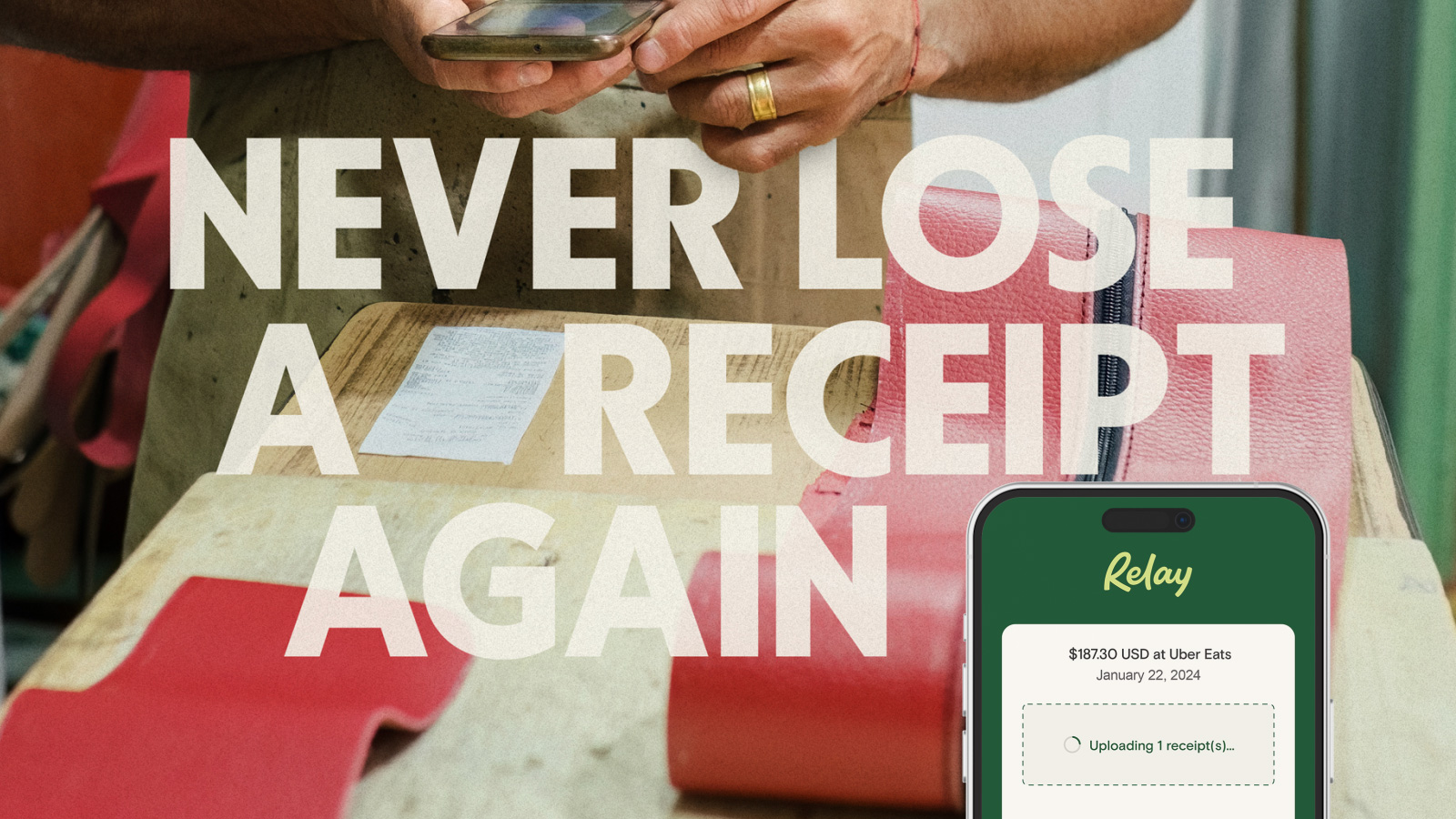
Ready to take control of your cash flow and organize your business spending? You can sign up for Relay completely online here.
Frequently asked questions
How long should you keep business receipts?
Keep most business receipts for at least three years. Hold them for six years if you underreported income by more than 25%, seven years if you claim a loss from worthless securities or a bad debt, and at least four years for employment tax records. If you never filed a return or filed a fraudulent one, keep your records indefinitely. See the IRS guidance on how long to keep records.
Does the IRS accept digital or scanned receipts?
Yes. The IRS has accepted electronic records since Revenue Procedure 97-22, as long as your system stores them accurately and can reproduce clear, legible copies. Once a digital copy meets those standards, you can throw away the paper original.
Do you need a receipt for expenses under $75?
Under IRS Publication 463, you don't need a receipt for a business expense under $75—with one exception: lodging always requires a receipt, no matter the amount. Even without a receipt, you still have to record the amount, date, place, and business purpose of the expense.
What's the best way to keep track of business receipts?
Digitize receipts as soon as you get them and tie each one to the transaction it belongs to. Scanning receipts into a dedicated folder or your accounting software—and matching them to the card you spent on—keeps everything audit-ready without a month-end scramble.
BANKING FOR THE SELF-MADE
Get started in minutes.